

Xbox 360 Guitar Hero Drums

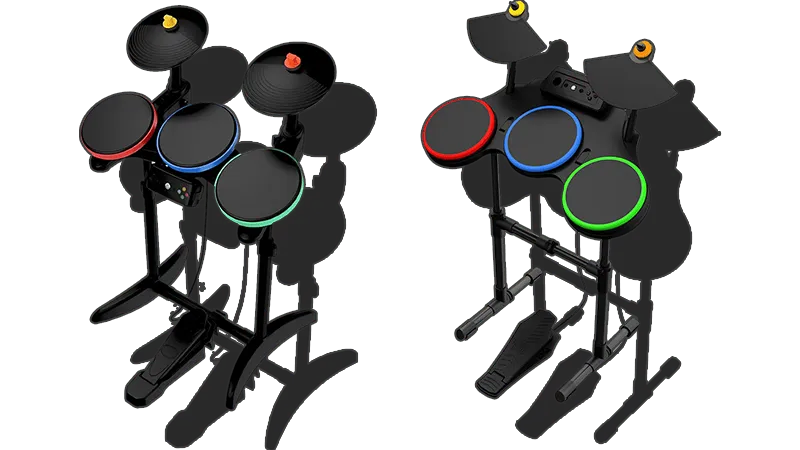
- This instrument requires an Xbox 360 Wireless Gaming Receiver for Windows to connect to your computer.
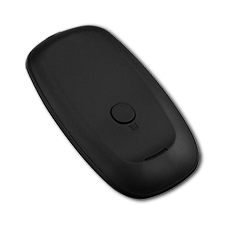 Need one?
- [Buy one from Roll Limitless]
- [Buy one from Amazon]
- Please note that any generic Xbox 360 Wireless Gaming Receiver should work fine!
- Velocity sensitivity doesn’t seem to work.
- Can be used to play on Pro Drums to an extent but it’s not suggested.
- Gem colors do not match the pads.
How do I map my drums?
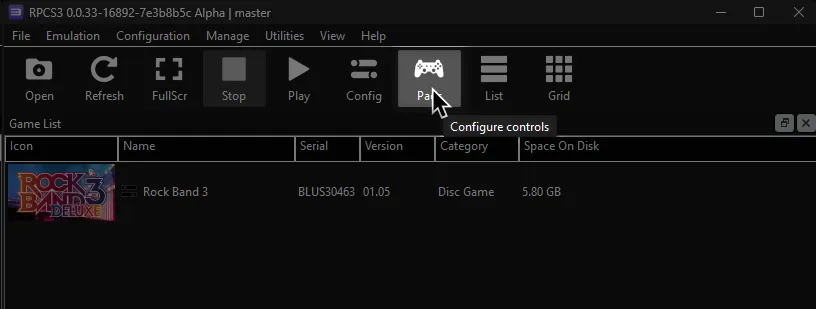
Click on the Pads icon at the top of RPCS3.
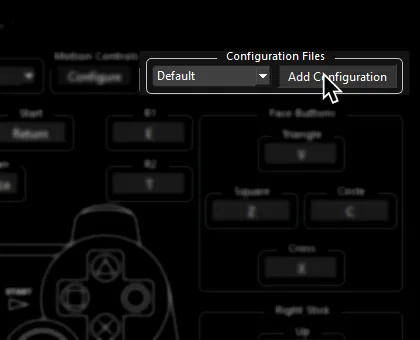
It’s suggested to create a new configuration by clicking Add Configuration at the top right of the Pads window.
This is so you can change configuration profiles in case you want to play other games.
Follow the instructions and/or match the assignments below.
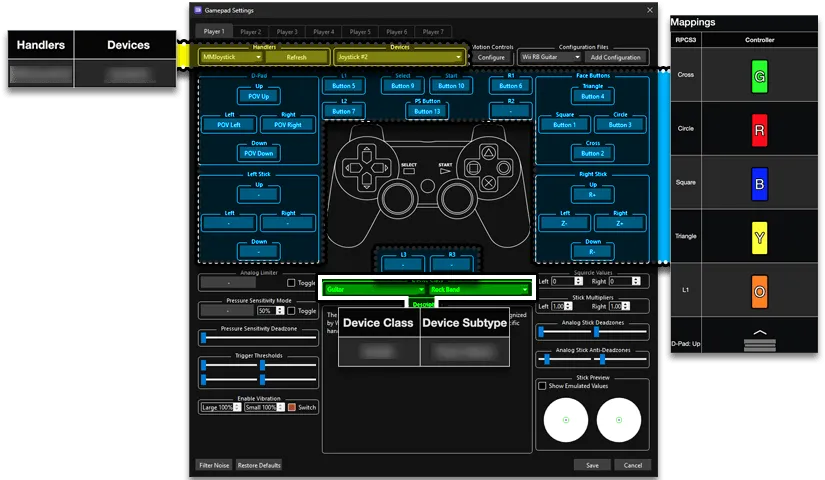
Pad Information
Section titled “Pad Information”| Handlers | Devices |
|---|---|
| XInput | XInput Pad |
| Device Class | Device Subtype |
|---|---|
| Drums | Guitar Hero |
Mapping
Section titled “Mapping”By default, everything is bound correctly. You don’t need to remap anything or download a profile.
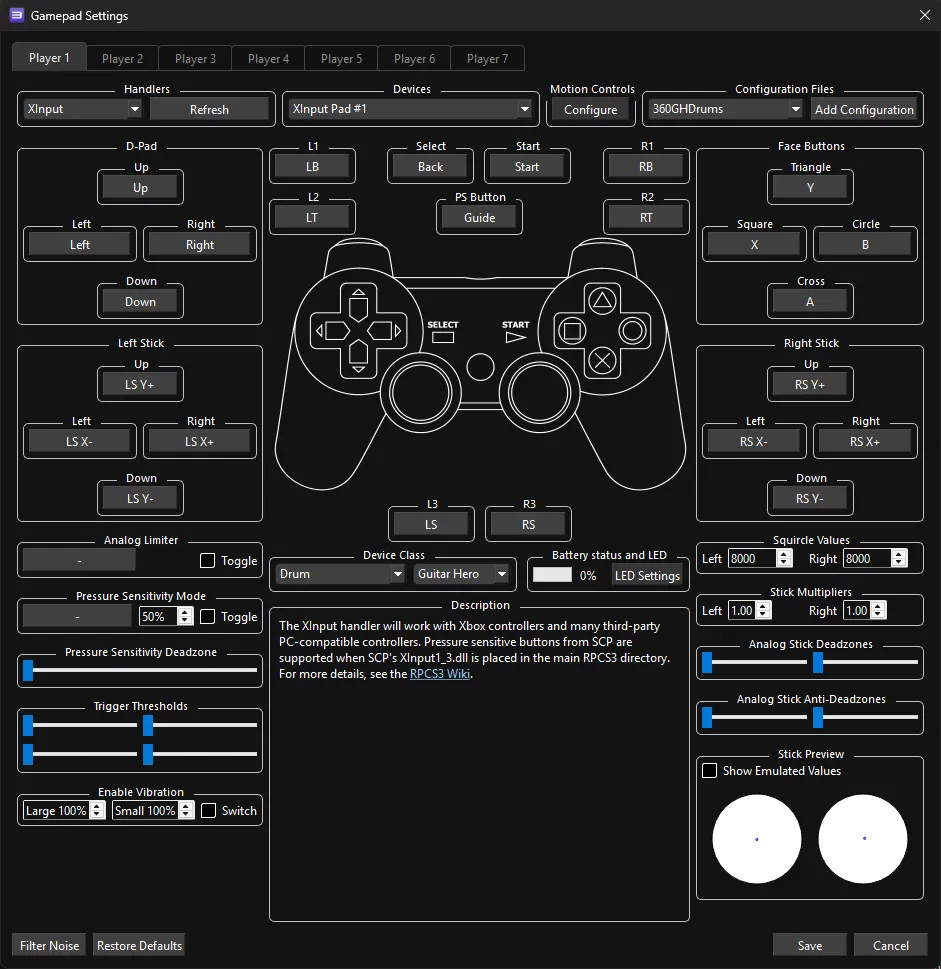
Advanced Mapping
Bindings:
Section titled “Bindings:”| RPCS3 | Drums |
|---|---|
| Cross |  |
| Circle |  |
| Square |  |
| Triangle |  |
| R1 |  |
| L1 |  |
| Cross |  |
| Circle |  |
| Square |  |
| Triangle |  |
| D-Pad |  |
| Left Stick |  |
| Start |  |
| Select |  |
| PS Button |  |
Research by [GamerPerson22]