

PlayStation 3 Rock Band Drums

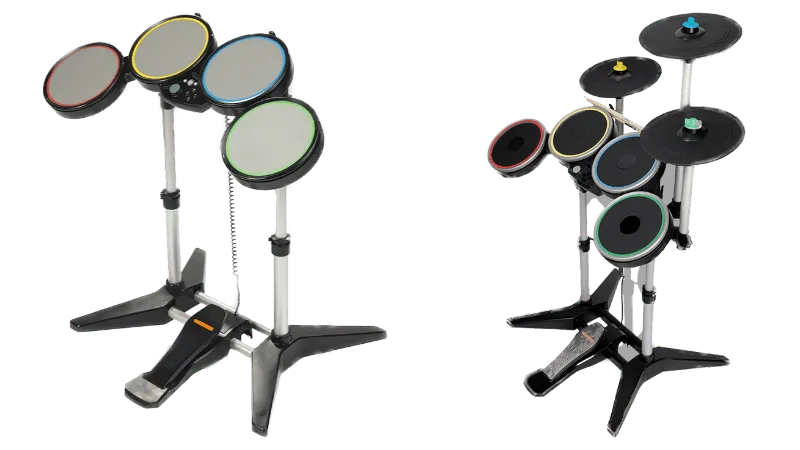
- Rock Band 1 Drums can be connected via USB. Rock Band 1 drums are black with grey pads and lack the connectors for cymbals.
- Rock Band 2 (and later) Drums require their respective drum dongles to connect to your computer.
Rock Band 2 and The Beatles: Rock Band drum dongles are compatible with either revisions.
 Model#:
 PDMSELEA2B
 Model#:
 PDMSELEA2B
 Model#:
 PDMSELEA3B - Works with or without the Pro Cymbal expansions.
- Make sure to configure which cymbals are connected within Rock Band 3.
Menu > Options > Drum Options
- Make sure to configure which cymbals are connected within Rock Band 3.
There is no configuration for this instrument. Simply connect the receiver to your computer and that’s it!
-
Navigate to
/etc/udev/in your file browser.
Enter therules.dfolder.
If it doesn’t exist, make it.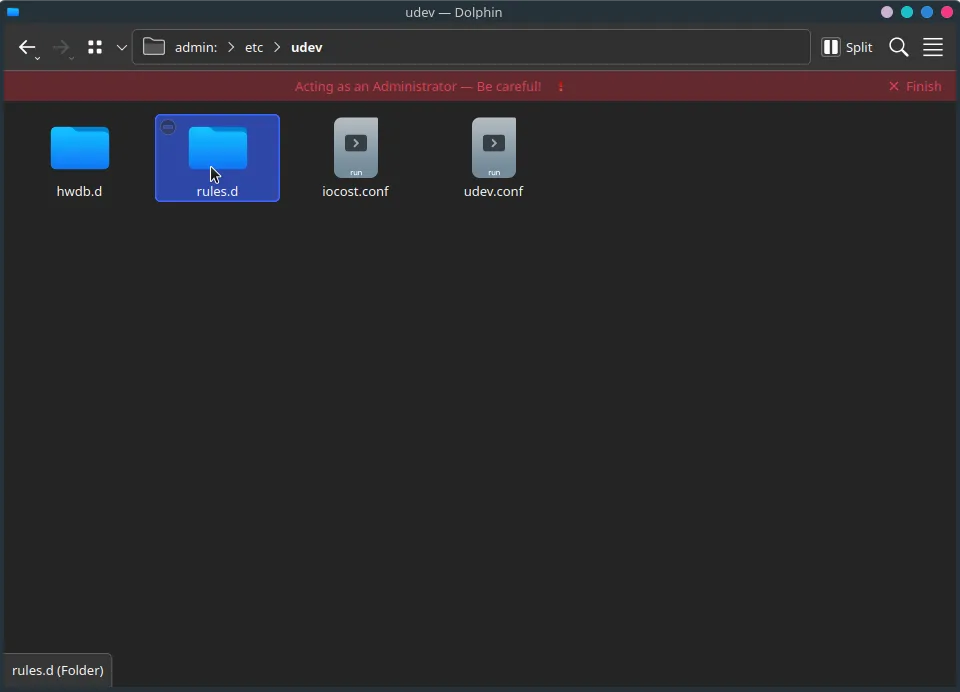
-
Create a new file.
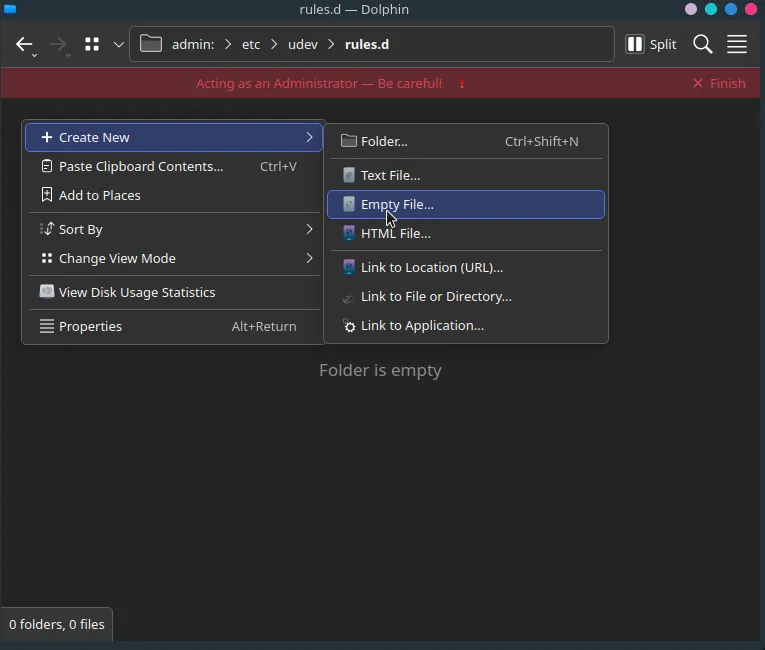
Name it
99-ps3-peripherals.rules.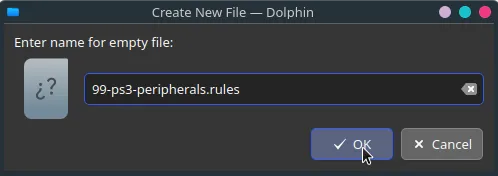
-
Open the file in a text editor.
Add an entry for your drums:SUBSYSTEM=="usb", ATTRS{idVendor}=="12ba", ATTRS{idProduct}=="0210", MODE="0666"In this example, a PS3 Mustang and PS3 Keyboard are being added.
When you’re done, save your edits to the file.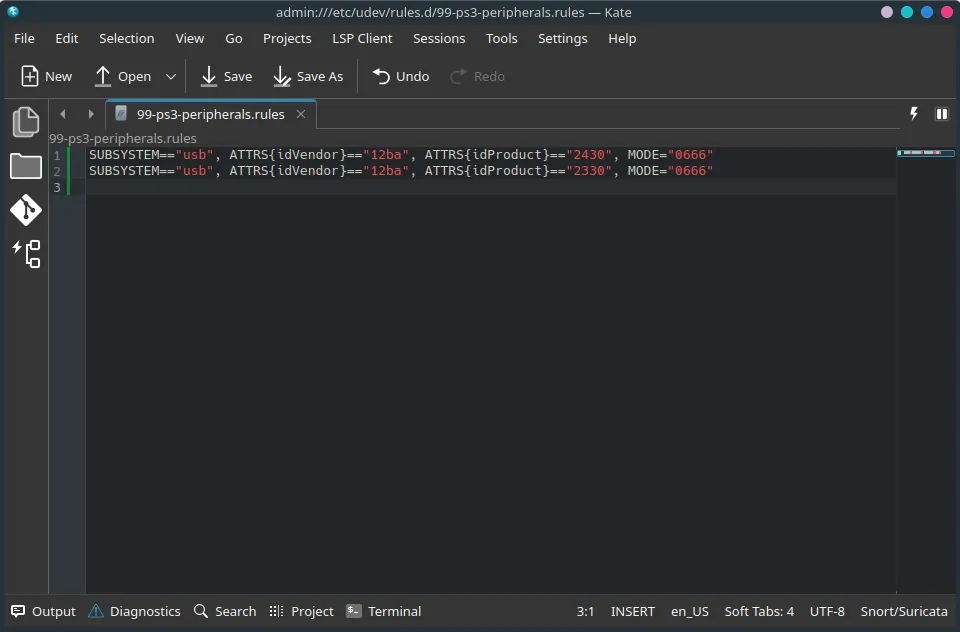
-
Run
sudo udevadm control --reload-rulesin a terminal or reboot your system.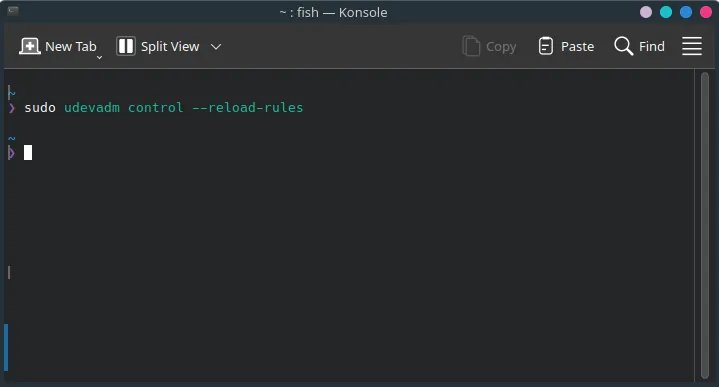
-
Open up Rock Band 3 in RPCS3 and connect your drums.
You should see it automatically assign a player number.
Likewise, in Rock Band 3, you will see your drums ready to join.
By default, macOS will attempt to load its own drivers when trying to use passthrough instruments on RPCS3.
Luckily, this is easy to fix!
-
First, [click here download the GCAdapterDriver 1.8 beta]
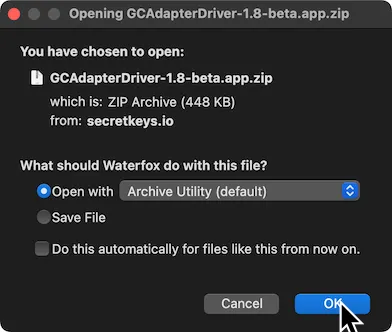
-
Drag the extracted
GCAdapterDriver-1.8-betaapplication to theApplicationsfolder.
-
In the menu bar, click on the new GCAdapterDriver icon.
Click on the slider to try to activate it.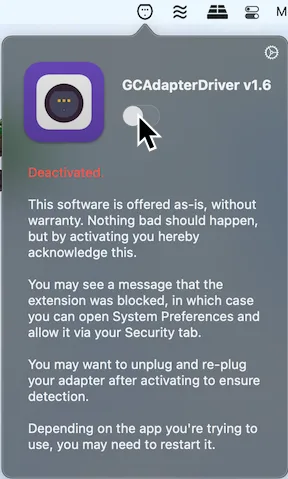
-
It will initially block the system extension.
Click onOpen Security Preferences.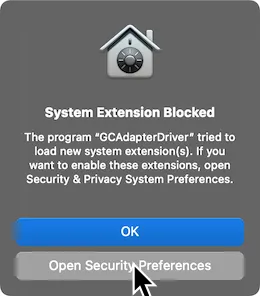
-
Unlock the page by click on the lock icon on the bottom left.
Click onAllowafter this.
Don’t forget to lock the page again when you’re done.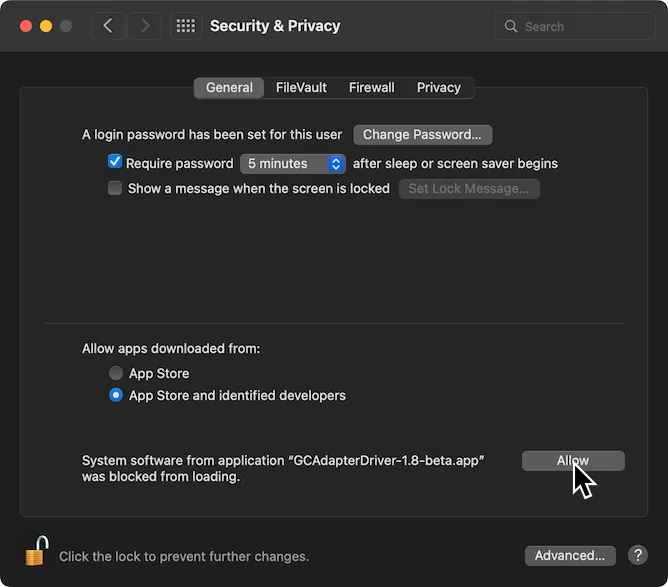
-
Now, activate GCAdapterDriver’s slider in the menu bar now.
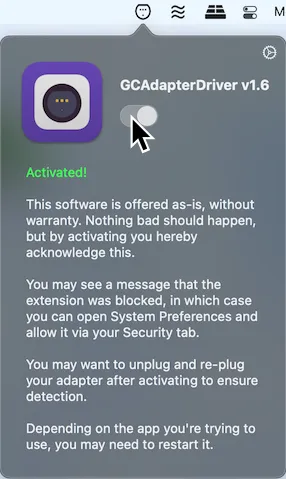
Open up Rock Band 3 in RPCS3 and connect your drums.
You should see it automatically assign a player number.
Likewise, in Rock Band 3, you will see your drums ready to join.