

PlayStation 2 DualShock 2
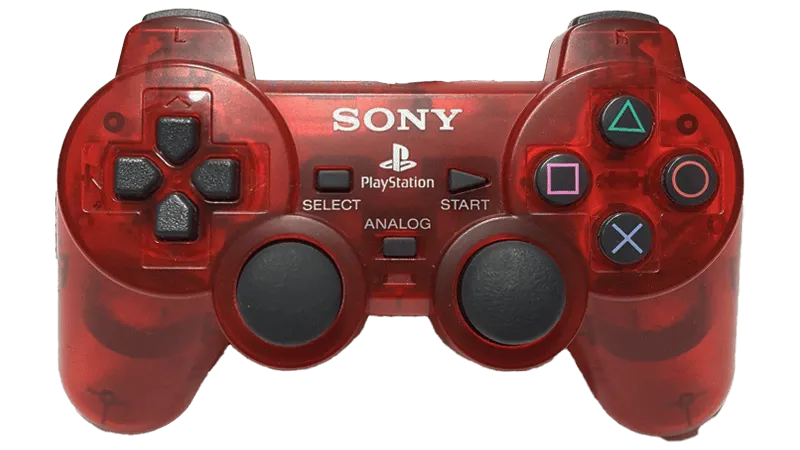
- There is no binding file as it varies too much per computer.
- This was tested on an OSTENT PS1 PS2 To PC USB 2.0 Controller Adapter Converter For Sony PS2 Wired Controller (Model Number/SKU: 014800). Other adapters may have issues.
- It is strongly recommended to get another adapter instead.
- Get one [from RetroCultMods].
- Get a [Blue Indigo].
- This controller auto-strums like god intended.
- To play Guitar/Bass/Keys/Drums parts on a Controller (Padtar), you will need Rock Band 3 Deluxe.
- You can also rebind your controller within Deluxe.
Menu > Options > Deluxe Settings > Advanced > Controller > Pad Button Remap
- You can also rebind your controller within Deluxe.
How do I set my gamepad up?
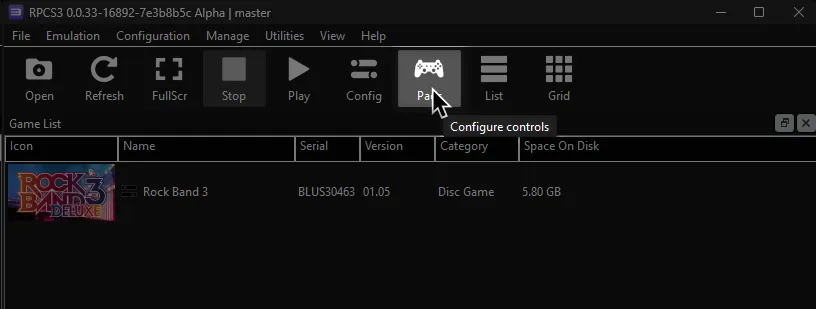
Click on the Pads icon at the top of RPCS3.
Follow the instructions and/or match the assignments below.
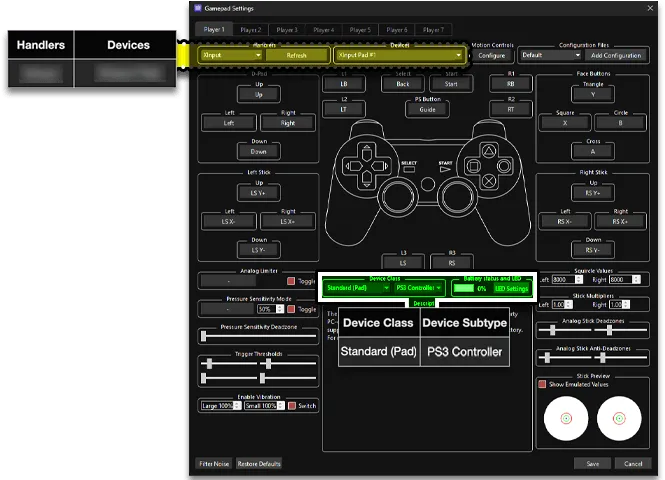
Pad Information
Section titled “Pad Information”| Handlers | Devices |
|---|---|
| ? | ? |
| Device Class | Device Subtype |
|---|---|
| Standard (Pad) | PS3 Controller |
Guitars/Bass/Keys
Section titled “Guitars/Bass/Keys”| PlayStation (DS2) | Rock Band |
|---|---|
 |
 |
 |
 |
 |
 |
 |
 |
 |
 |
 |
 |
 |
Overdrive |
| PlayStation (DS2) | Rock Band |
|---|---|
|
 |
|
 |
|
 |
|
 |
|
 |
Vocals
Section titled “Vocals”| PlayStation (DS2) | Use | Alt Use |
|---|---|---|
|
Navigation | |
 |
Navigation | |
|
Select | |
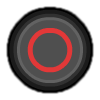 |
Back | Mic 3 volume (Song) |
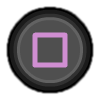 |
Mic 1 volume (Song) | |
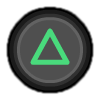 |
View more info (Library) | Mic 2 volume (Song) |
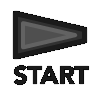 |
Options | Pause (Song) |
|
Filters (Library) | Overdrive (Song) |
|
Guide part selection (Practice) | |
|
Voice Chat | Vocal part selection (Practice) |
|
Vocal track volume (Song) | |
|
Pitch correction (Song) |
Navigation Pad
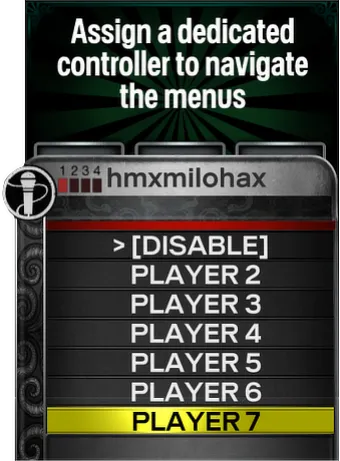
Section titled “Navigation Pad”Enable this to dedicate a gamepad for navigation. Great for MIDI instruments!
- You can enable this in
[Menu] > [Options] > [Deluxe Settings] > [Controller] > [Navigation Pad]
| PlayStation (DS2) | Use | Alt Use |
|---|---|---|
|
Navigation | |
|
Navigation | |
|
Select | |
|
Back | |
|
Rate song (Library) | |
|
View more info (Library) | |
|
Options | Pause (Song) |
|
Filters (Library) | Overdrive (Song) |
|
Song shortcuts | |
|
Open song search | Cancel setlist |
|
||
|
Start setlist |