

Unknown Drum Controllers

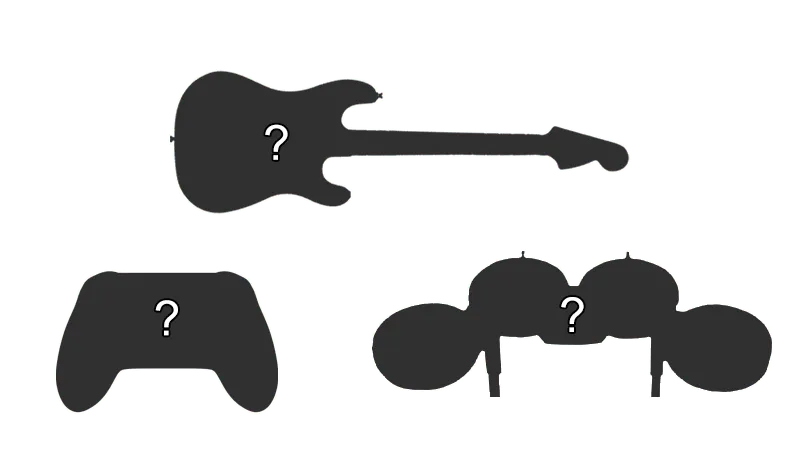
- This is for people who have drums that aren’t listed. You will have to play around with Handlers and Device Class/Device Subtype until it works.
How do I map my drums?
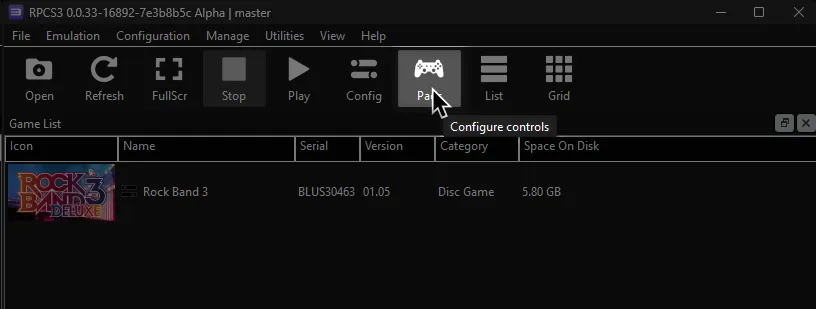
Click on the Pads icon at the top of RPCS3.
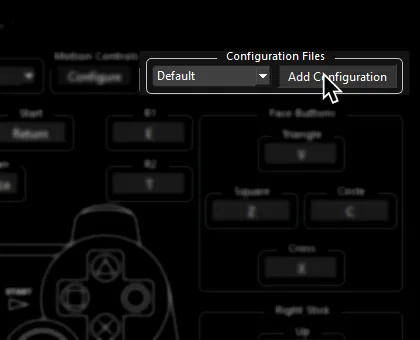
It’s suggested to create a new configuration by clicking Add Configuration at the top right of the Pads window.
This is so you can change configuration profiles in case you want to play other games.
Follow the instructions and/or match the assignments below.
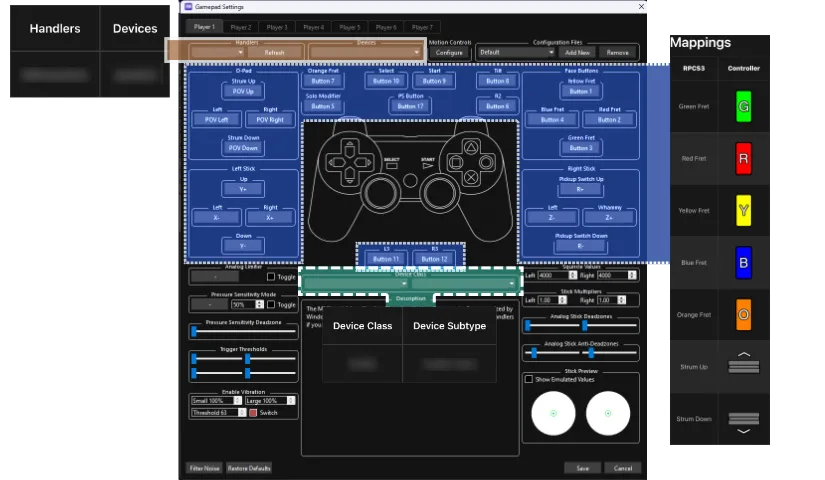
Pad Information
Section titled “Pad Information”| Handlers | Devices |
|---|---|
| Unknown | Unknown |
| Device Class | Device Subtype |
|---|---|
| Drum | Unknown |
Mapping
Section titled “Mapping”Please note that Rock Band drum kits require modifiers to be bound. If you don’t do this, cymbals won’t work.
| RPCS3 | Rock Band Drums | Guitar Hero Drums |
|---|---|---|
| Cross |  |
 |
| Circle |  |
 |
| Square | 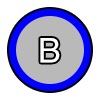 |
 |
| Triangle |  |
 |
| L1 |  |
 |
| D-Pad |  |
|
| R1 |  |
 |
| R3 | Cymbal Modifier | |
| D-Pad: Up | Yellow Cymbal Modifier | |
| D-Pad: Down | Blue Cymbal Modifier | |
| L3 | Pad Modifier |
Research by [TheNathannator] via the [PlasticBand] project.