

Nintendo Wii Rock Band Drums


- Rock Band 1 Drums are connected via USB. Rock Band 1 drums are white with grey pads and lack the connectors for cymbals.
- Rock Band 2 (and later) Drums require their respective drum dongles to connect to your computer.
Rock Band 2 and The Beatles: Rock Band drum dongles are compatible with either revisions.
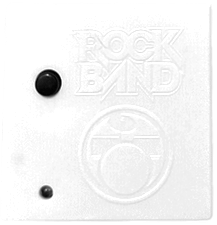 Model#:
 WDMSELEA2B
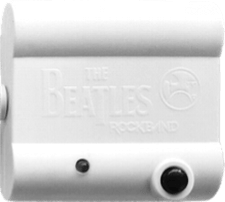 Model#:
 WDMSELEA3B - Works with or without the Pro Cymbal expansions.
- Make sure to configure which cymbals are connected within Rock Band 3.
Menu > Options > Drum Options
- Make sure to configure which cymbals are connected within Rock Band 3.
-
Navigate to
/etc/udev/in your file browser.
Enter therules.dfolder.
If it doesn’t exist, make it.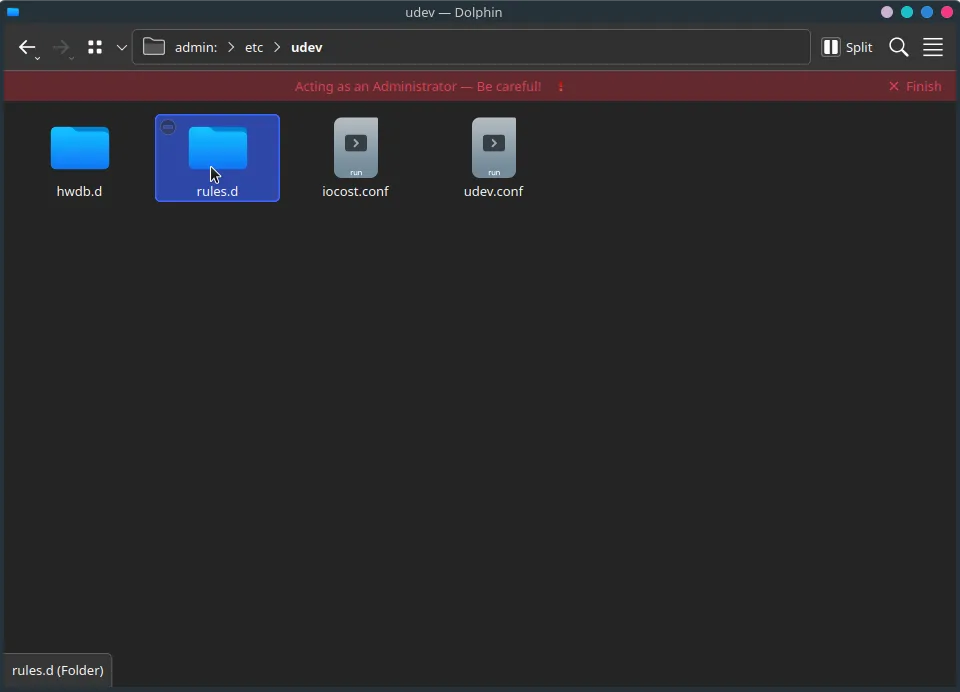
-
Create a new file.
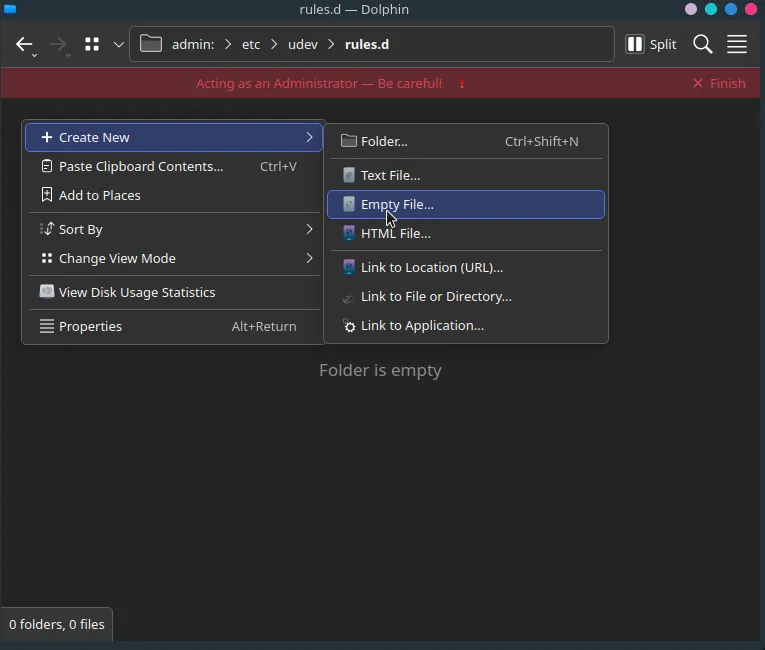
Name it
99-ps3-peripherals.rules.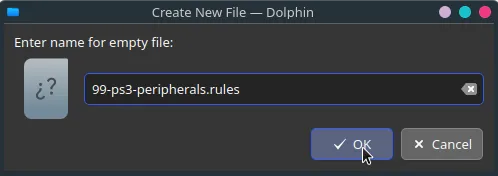
-
Open the file in a text editor.
Add an entry for your drums:- RB1 Drums
SUBSYSTEM=="usb", ATTRS{idVendor}=="1bad", ATTRS{idProduct}=="0005", MODE="0666"
- RB2 Drums
SUBSYSTEM=="usb", ATTRS{idVendor}=="1bad", ATTRS{idProduct}=="3110", MODE="0666"
In this example, a PS3 Mustang and PS3 Keyboard are being added.
When you’re done, save your edits to the file.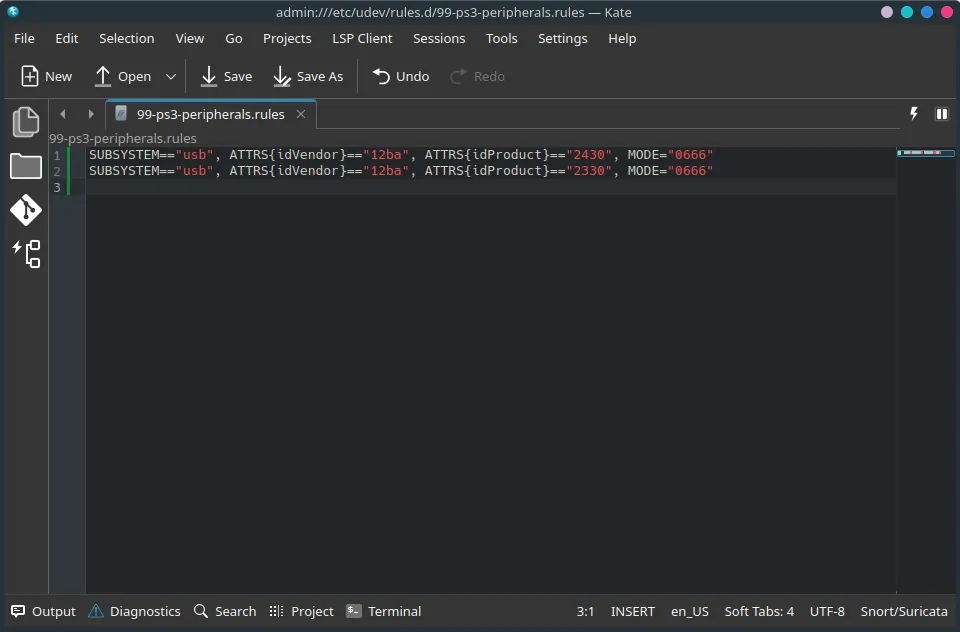
- RB1 Drums
-
Run
sudo udevadm control --reload-rulesin a terminal or reboot your system.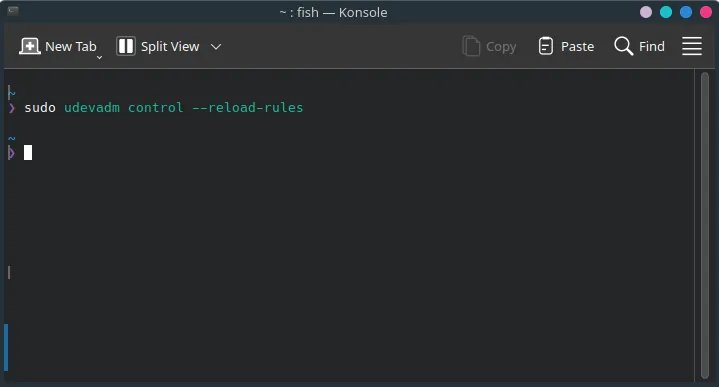
-
Disconnect your drum’s dongle, then reconnect it.
-
Open up Rock Band 3 in RPCS3 and sync your drums.
You should see it automatically assign a player number.
Likewise, in Rock Band 3, you will see your drums ready to join.
Luckily, this is easy to fix!
-
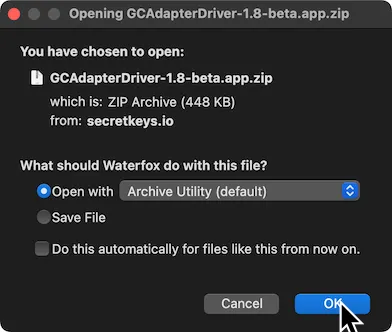
First, [click here download the GCAdapterDriver 1.8 beta]
-
Drag the extracted
GCAdapterDriver-1.8-betaapplication to theApplicationsfolder.
-
In the menu bar, click on the new GCAdapterDriver icon.
Click on the slider to try to activate it.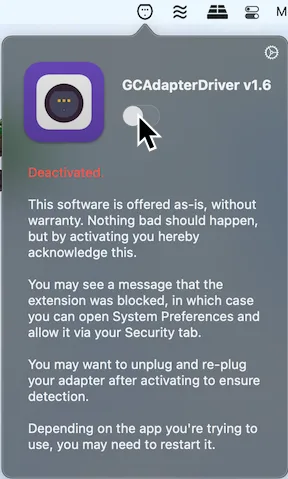
-
It will initially block the system extension.
Click onOpen Security Preferences.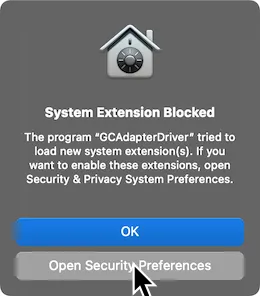
-
Unlock the page by click on the lock icon on the bottom left.
Click onAllowafter this.
Don’t forget to lock the page again when you’re done.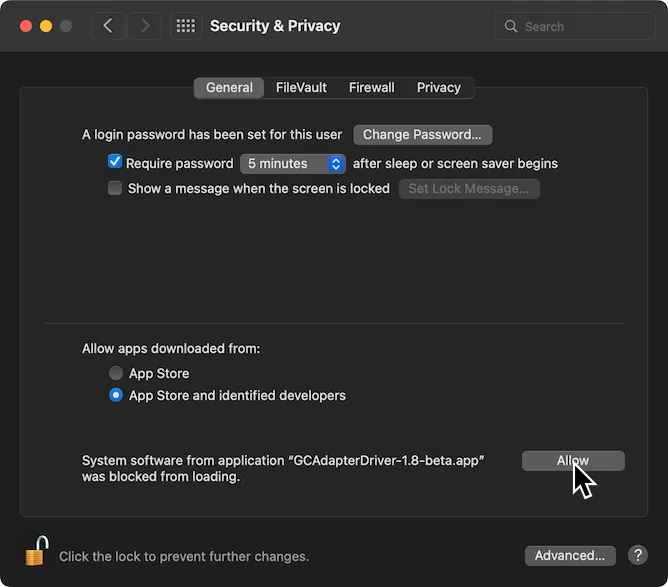
-
Now, activate GCAdapterDriver’s slider in the menu bar now.
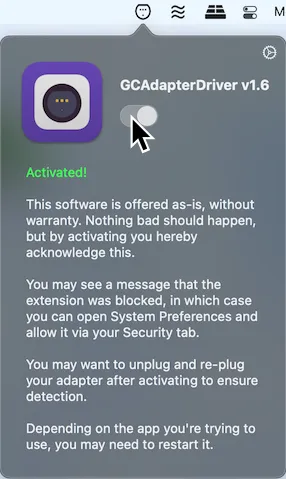
Open up Rock Band 3 in RPCS3 and connect your drums.
You should see it automatically assign a player number.
Likewise, in Rock Band 3, you will see your drums ready to join.
- There is no input profile as all controls are default.
How do I map my drums?
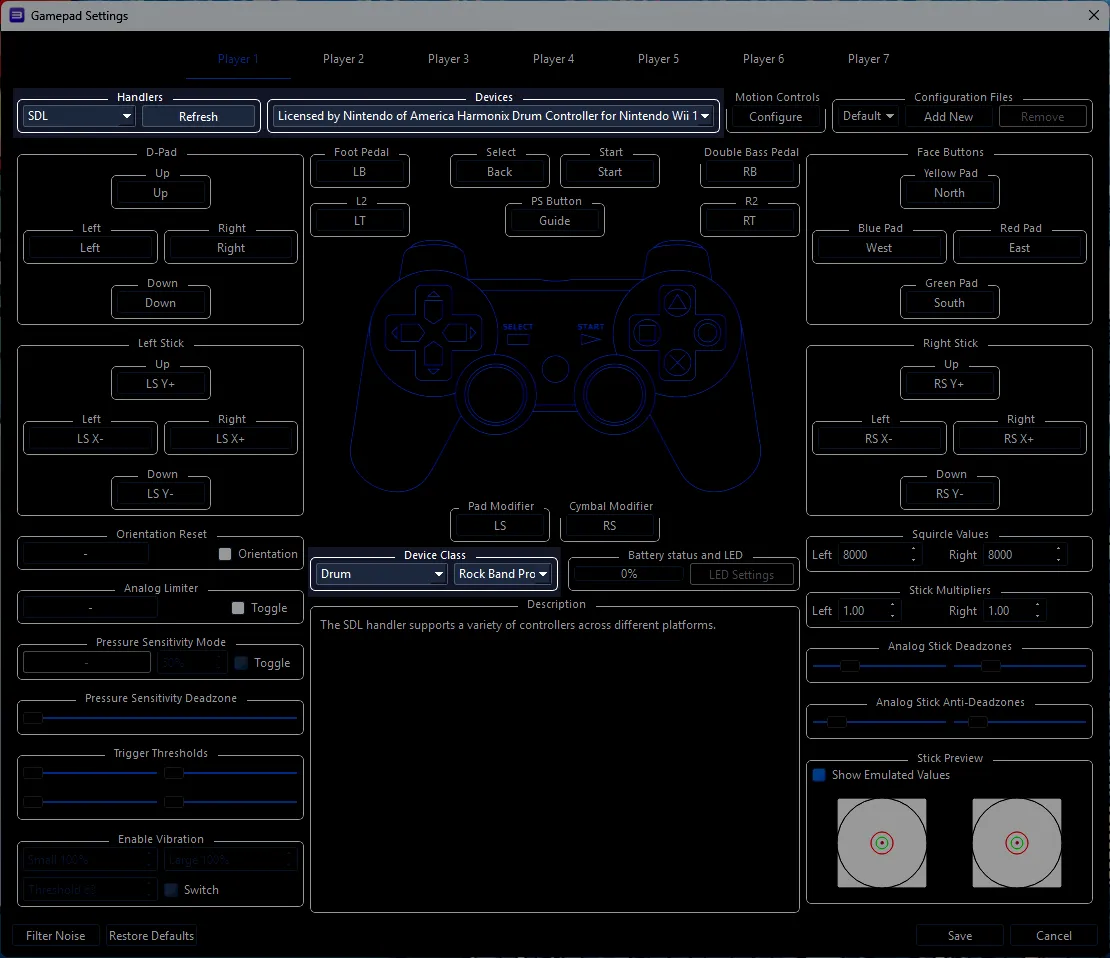
Click on thePads icon at the top of RPCS3.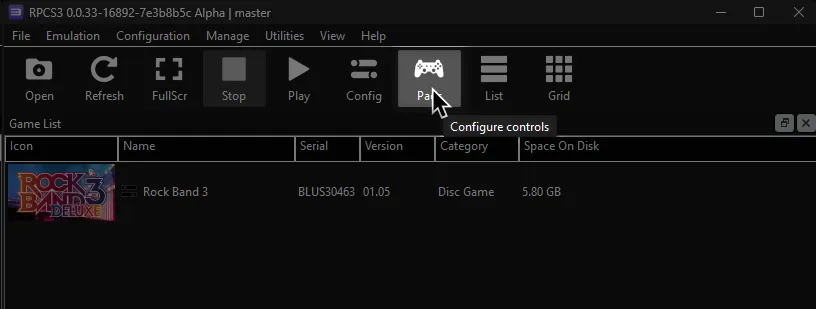
It’s suggested to create a new configuration by clicking Add Configuration at the top right of the Pads window.
This is so you can change configuration profiles in case you want to play other games.
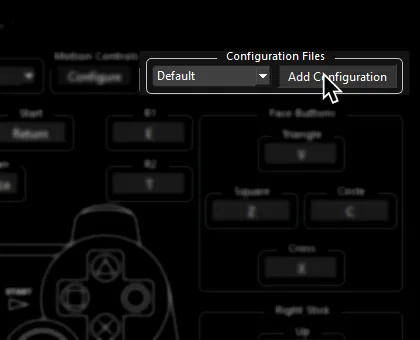
Follow the instructions and/or match the assignments below.
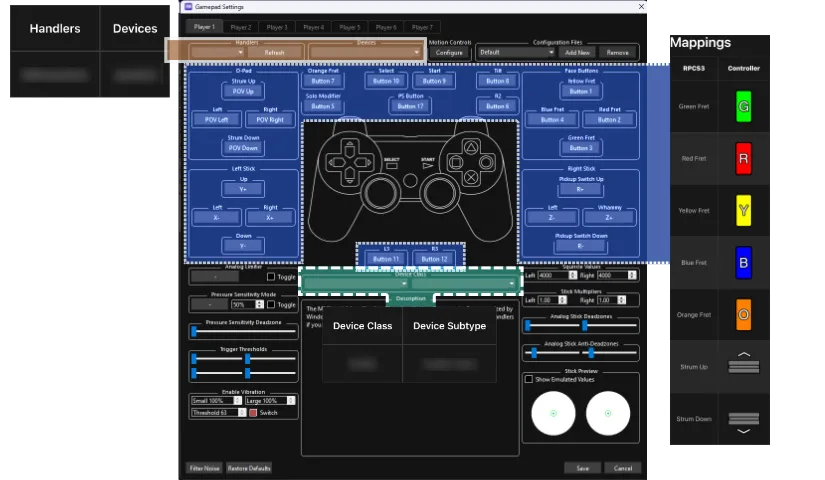
Pad Information
Section titled “Pad Information”| Handlers | Devices |
|---|---|
| SDL | Licensed by Nintendo of America Harmonix Drum Controller for Nintendo Wii |
| Device Class | Device Subtype |
|---|---|
| Drums | Rock Band Pro |
Mapping
Section titled “Mapping”By default, everything is bound correctly. You only need to set Handlers, Device, and Device Class.
Research by [scott0852]