
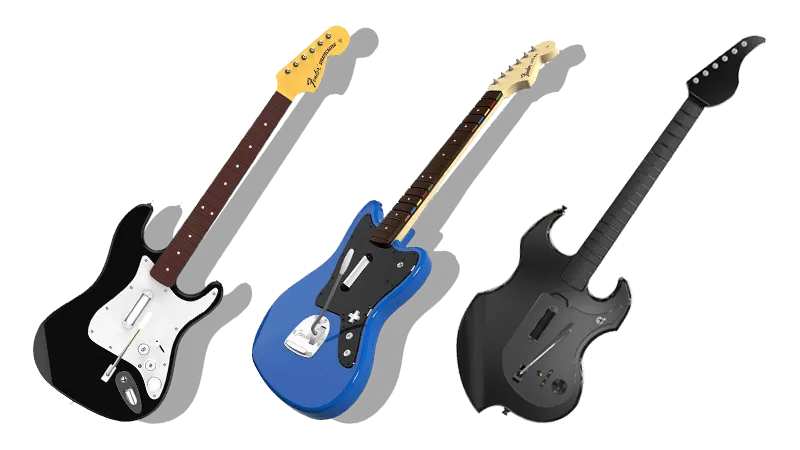
PlayStation 4 Rock Band 4/Fortnite Festival Guitars

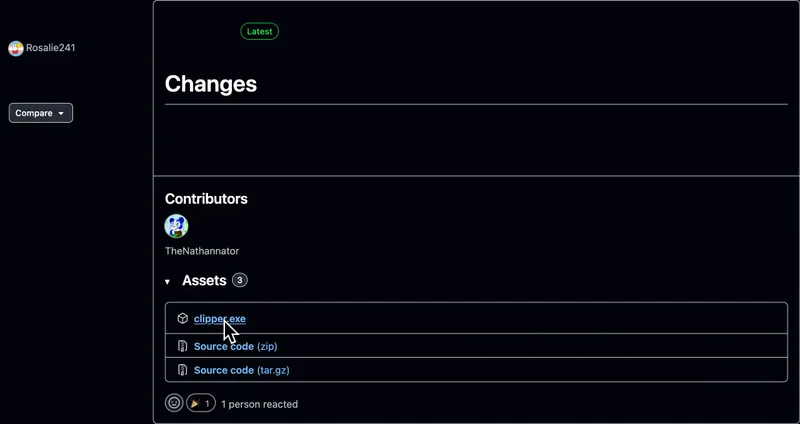
- Requires downloading and running [clipper].
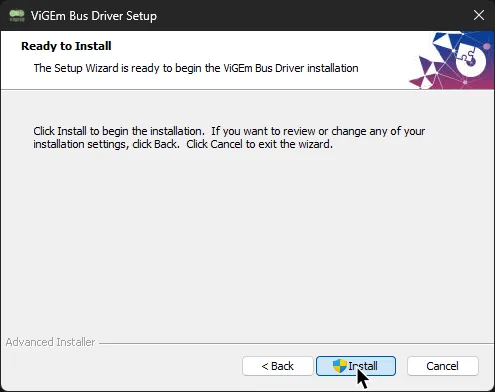
- Clipper requires installing [ViGEmBus].
- Latency on Jaguars and Stratocasters may be an issue depending on your Bluetooth receiver. This may make it difficult to calibrate.
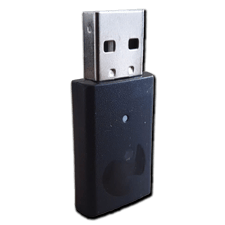
- PDP Riffmaster guitars require their respective dongle.
 Model#:
 049-034T
How do I map my guitar?
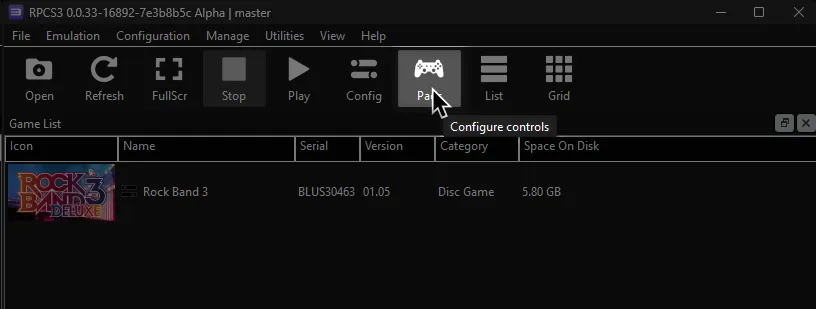
Click on the Pads icon at the top of RPCS3.
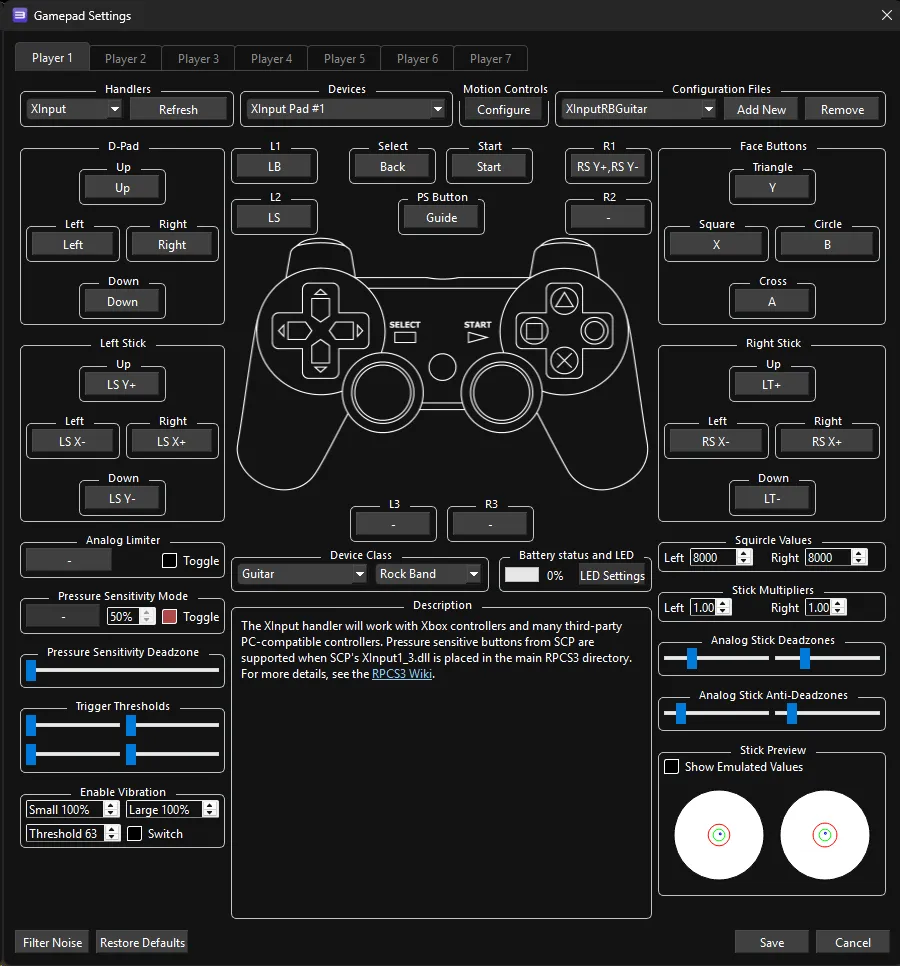
It’s suggested to create a new configuration by clicking Add Configuration at the top right of the Pads window.
This is so you can change configuration profiles in case you want to play other games.
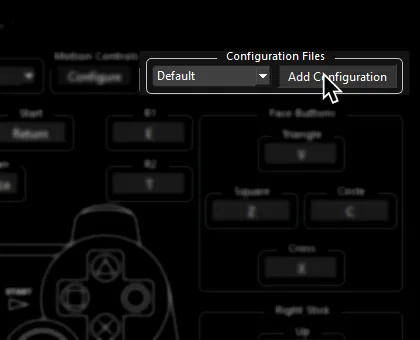
Follow the instructions and/or match the assignments below.
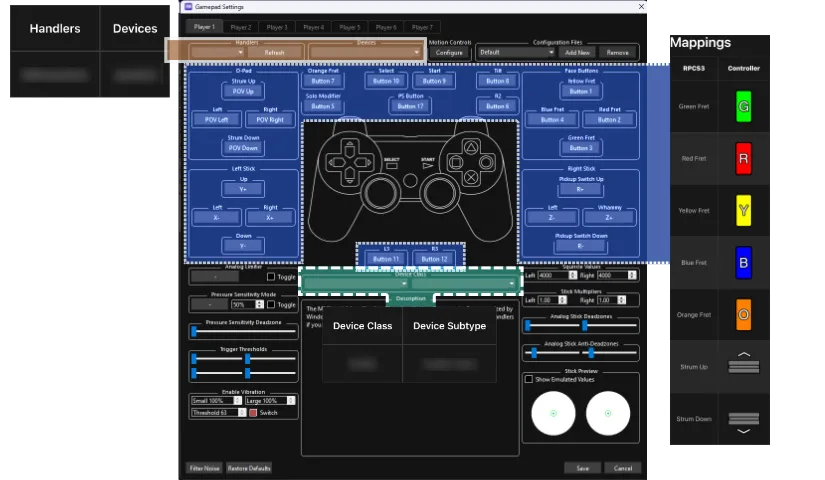
Pad Information
Section titled “Pad Information”| Handlers | Devices |
|---|---|
| XInput | XInput Pad |
| Device Class | Device Subtype |
|---|---|
| Guitar | Rock Band |
Setting Up
Section titled “Setting Up”-
Install [ViGEmBus] if you don’t have it already.
-
Download the latest version of [clipper.exe] from the “Assets” section.
- If you’re using a Jaguar or a Stratocaster guitar, synchronize your guitar to your Bluetooth receiver.
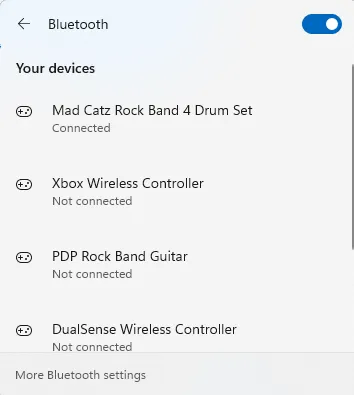
- If you’re using a Riffmaster guitar, connect the receiver to your computer.
-
Double click
Clipperfile to open it.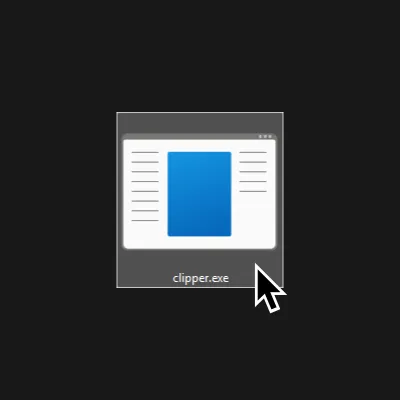
-
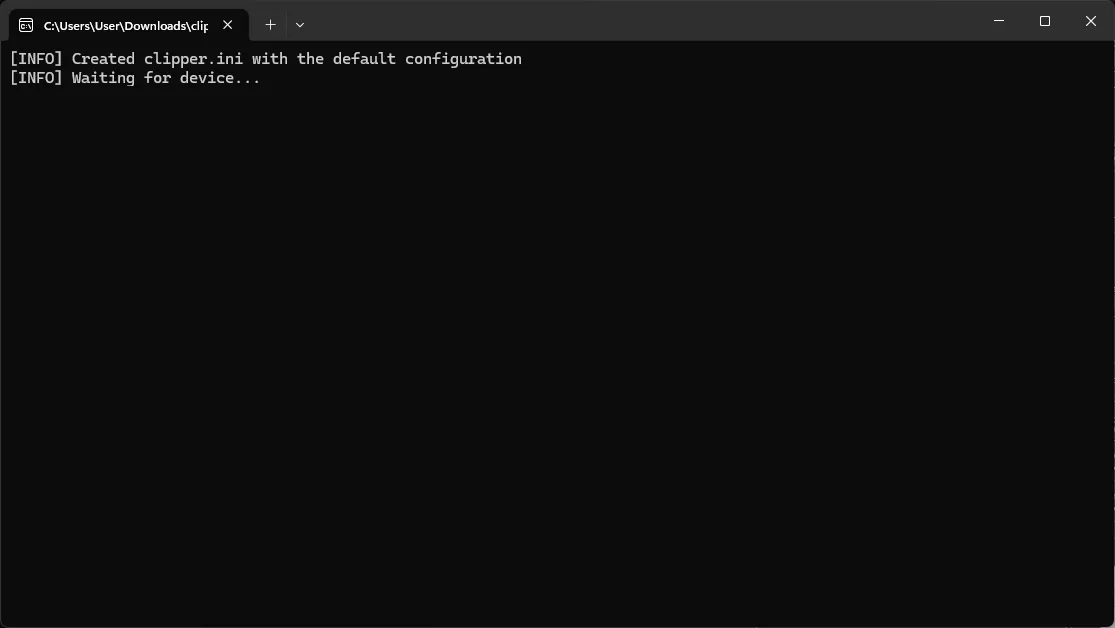
A command line window will open. Make sure it stays running in the background. You can minimize it if you want to.
Mapping
Section titled “Mapping”By default, XInput has most things bound correctly. You only need to remap the following:
| RPCS3 | XInput | Guitar |
|---|---|---|
| R1 |  |
 |
| L2 |  |
 |
Profile
Section titled “Profile”How do I use profiles?
After downloading the profile,
- Extract the .7z file.
- Drag the
input_configsfolder into theconfigsfolder where you have RPCS3 in.

- After that, you can select the profile in the
Padsmenu.
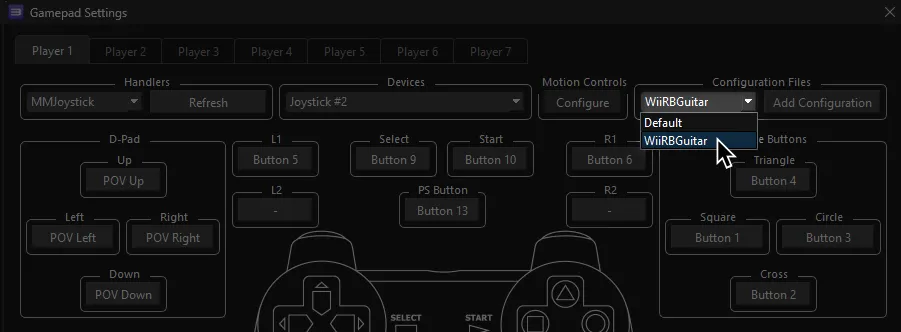
Most of the time, these controller profiles should work out of the box. If they don’t, try changing the controller listed in Devices, next to the Refresh button until it receives an input. You can edit this while the game is running.
Advanced Mapping
| RPCS3 | Guitar |
|---|---|
| Cross | 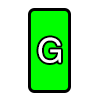 |
| Circle |  |
| Square | 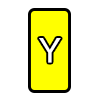 |
| Triangle | 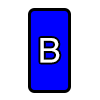 |
| L1 |  |
| D-Pad: Up | 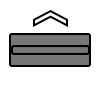 |
| D-Pad: Down |  |
| D-Pad: Left |  |
| D-Pad: Right |  |
| Right Stick: Left/Right |
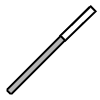 |
| Right Stick: Up and Down |
 |
| L2 | |
| R1 | |
| Start |  |
| Select |  |
| PS Button |  |