
Initializing
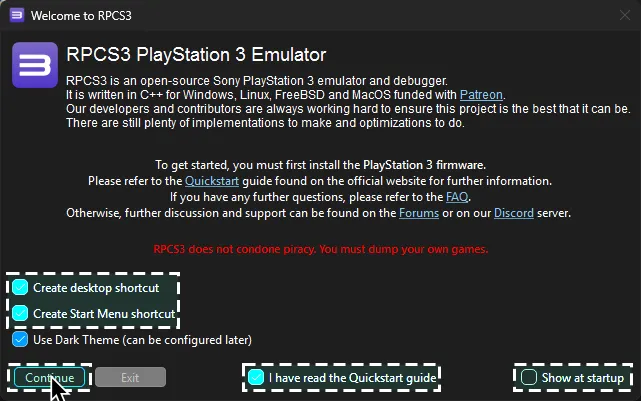
Now, go to the folder where you put RPCS3. Keep this folder open in the background. Open up RPCS3.
Tick:
Create desktop shortcutCreate Start Menu shortcutI have read the Quickstart guideDo not show again
Disable:
Show at startup
After that, click Continue.
Firmware

Section titled “Firmware”Drag the PS3UPDAT.PUP file you just downloaded from Sony’s website into RPCS3.
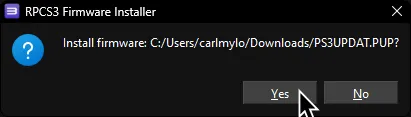
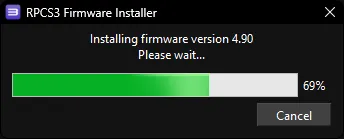
Click Yes when the firmware installer prompts you.
Let it install.
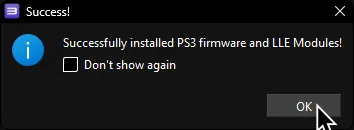
When it finishes, click OK.
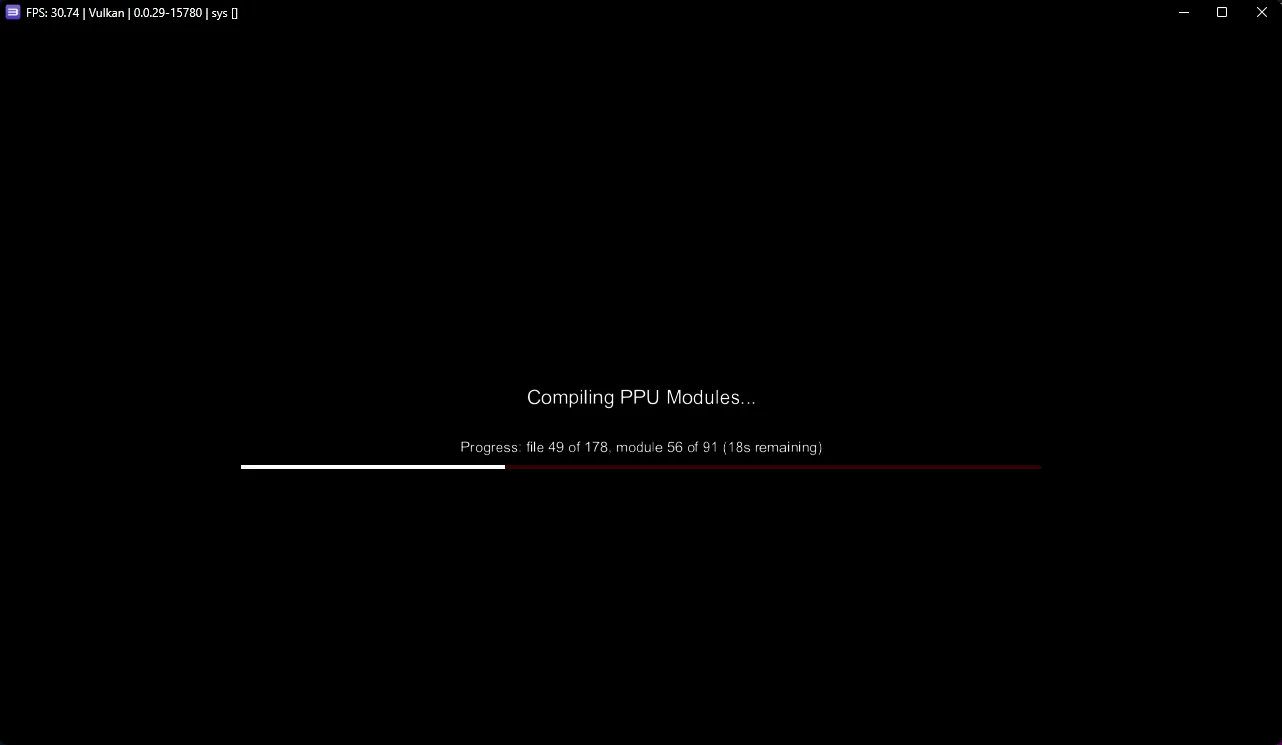
It will start compiling modules to load the PS3 XMB into the emulator, which may take a few minutes. You can either let it do its thing or close it.
Rock Band 3
Section titled “Rock Band 3”Next, open a new file browser window. Now go to the folder where you have your copy of Rock Band 3 stored and drag the folder into RPCS3’s “games” folder.
Again, you’re on your own when it comes to finding a copy. You can use a PS3 with CFW or HEN to create a copy of the game or [“PS3 Disc Dumper”] if you don’t have a console.

Next, let’s add Rock Band 3 to RPCS3’s library. There’s two ways you can do this.
First is dragging the Rock Band 3 game folder into RPCS3.
This is the easiest but if this folder ever gets moved around, RPCS3 will no longer detect it until you re-add it.
![Dragging 'Rock Band 3 [BLUS30463]' into RPCS3.](/_astro/nix-rpcs3rb3dnd.BP9PJVq1_Z19vuFi.webp)
Second is by dragging your copy of Rock Band 3 into the ~/.config/RPCS3/games folder.
This is the safest place because you’re unlikely to accidentally move it from here.
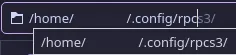
First, go to ~/.config/RPCS3/games (may be different depending on your Distro) on one file browser window.

Then, on another file browser window, go to where you have your copy of Rock Band 3.
Drag Rock Band 3’s game folder into the games folder in ~/.config/RPCS3/.

After dragging in Rock Band 3, click Refresh in RPCS3. Rock Band 3 should appear in your game library.
Rock Band 3 Deluxe
Section titled “Rock Band 3 Deluxe”Finally, let’s install the PlayStation 3 version of [Rock Band 3 Deluxe].
This is a must-have mod, which also fixes some critical bugs RPCS3 has with Rock Band 3. On top of that, it adds [many great features].
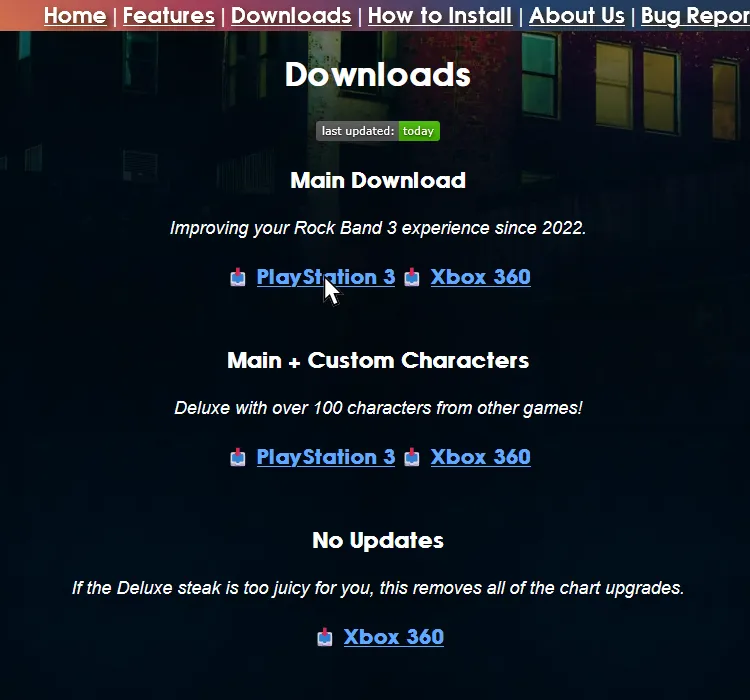
[Click here to download Rock Band 3 Deluxe for PlayStation 3].
Download either the “Main Download” option or the “Main + Custom Characters” option depending on what you want.
When it finishes downloading, extract the archive and drag the PKG file into RPCS3.
Click Yes on the prompt, just like you did earlier with the PS3UPDAT.PUP file.

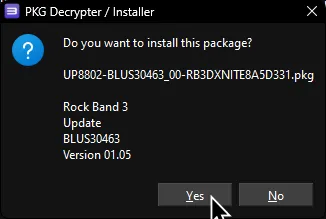
The best way to check if Rock Band 3 Deluxe installed correctly is to enable Prefer Game Data Icons under View > Game List Icons.
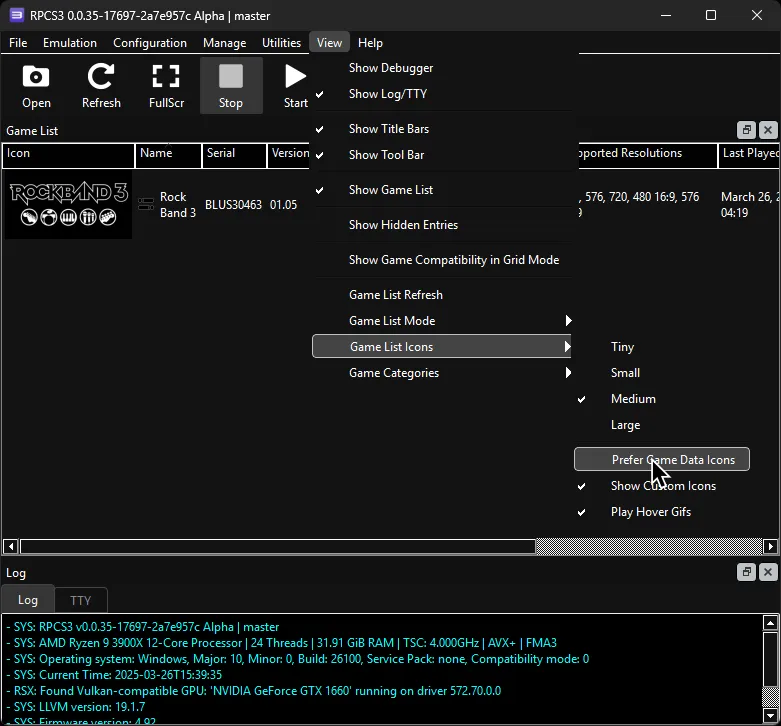
If it installed successfully, you should see that the Rock Band 3 icon has changed.
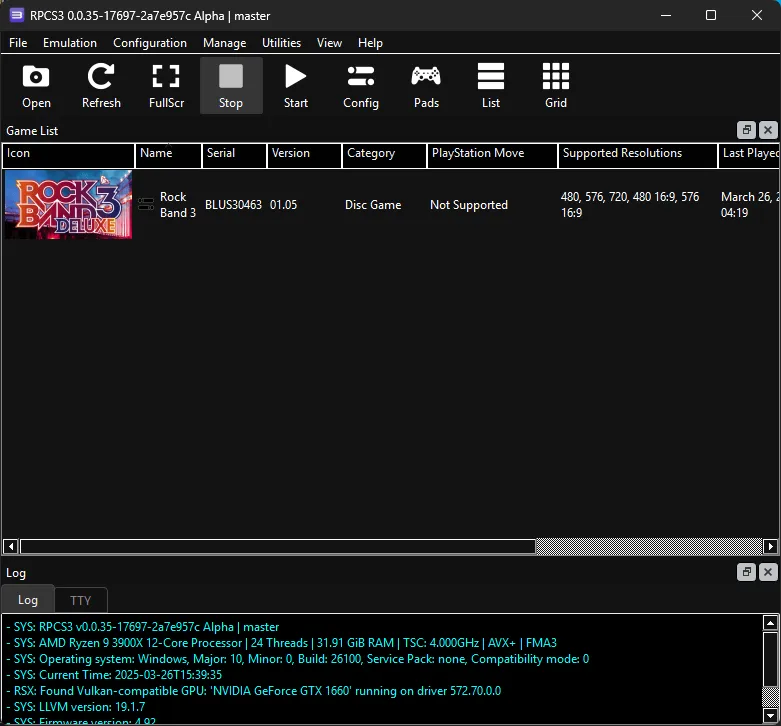
You can also rename the game in the list to “Rock Band 3 Deluxe” if you wish. To do this, right-click on “Rock Band 3” and select Rename In Game List.
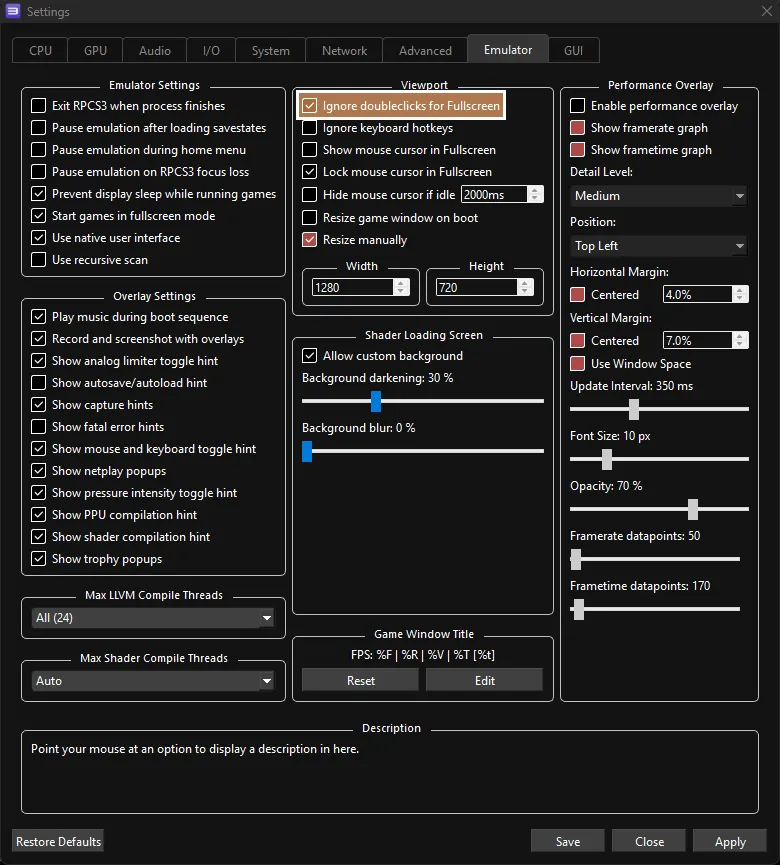
It’s also recommended to disable Ignore doubleclicks for Fullscreen.
Click on the Config button.
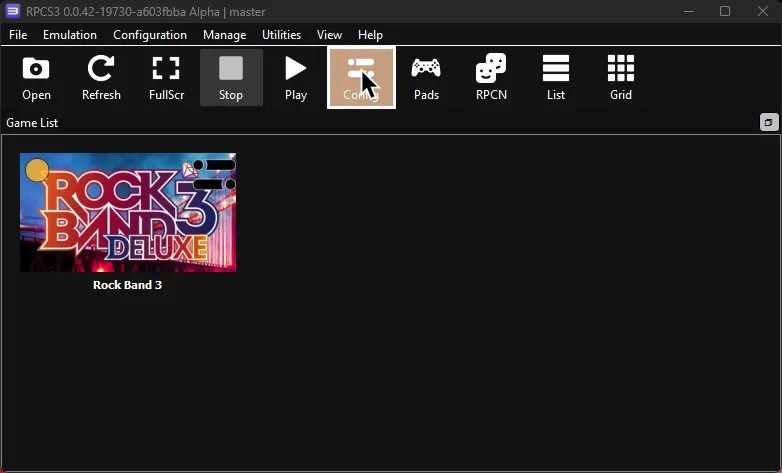
Swap to the Emulator tab then untick Ignore doubleclicks for Fullscreen.
This will let you double click to exit fullscreen.