

REAPER: Downloads
Installing REAPER
Section titled “Installing REAPER”-
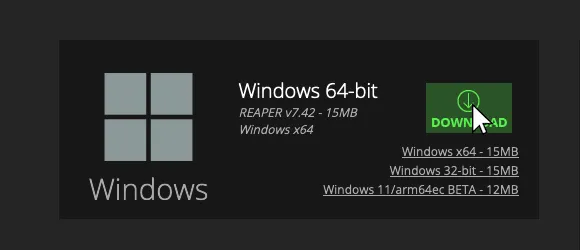
[Download and install the latest 64-bit version of REAPER.].
- Please DO NOT enable the
Portable installoption when installing!
- Please DO NOT enable the
-
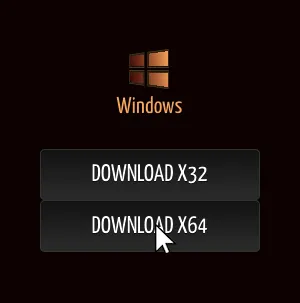
[Download and install the latest 64-bit version of SWS / S&M Extension.].
- Please keep
Python ReaScript supportenabled when installing!
- Please keep
-
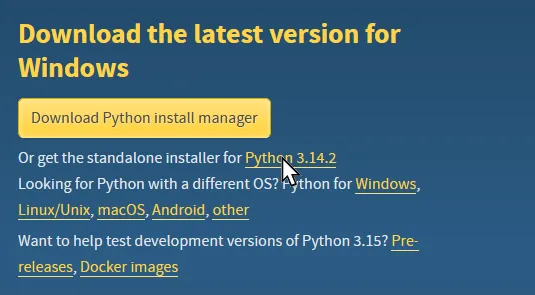
[Download and install the latest version of Python 3 if you don’t have it already.].
- Do NOT download Python install manager!
- Python 2 is NOT the same and will not work.
-
[Click here to download the REAPER Files
.ziparchive.].- a. Extract the

.ziparchive somewhere convenient. - b. Drag the
Commonfolder intoDRAG 'Common' HEREshortcut. - c. Drag
REAPERinto theDRAG 'REAPER' HEREshortcut. - d. Replace any files if you’re asked.
- a. Extract the