

Instrumentos y controles
Puedes usar varios controles e instrumentos con RPCS3 cuando juegas Rock Band 3. Para hacer todo mas fácil, creamos una colección de documentación para instrumentos que funcionan y como configurarlos.
Toma en cuenta:
- Si van a jugar varias personas, tienes que configurar cada instrumento en un puerto diferente (Jugador 1, Jugador 2, etc).
- Guitarras y baterías de Rock Band para el PlayStation 3 no requieren configuración manual. ¡NO LOS CONFIGURES!
- Si tu control mapeado no se detecta, haz click en
Actualizardentro de la pantalla deMandos. Si eso no lo arregla, reinicia RPCS3.
Cuando termines de configurar algo, asegúrate hacer click en Guardar.
Lista de instrumentos
Sección titulada «Lista de instrumentos»Cada instrumento tiene una calificación, depende de que les falta o cuanto esfuerzo se toma para configúralo.
| FORMA | SIGNIFICADO |
|---|---|
 | Compatibilidad terrible |
 | Compatibilidad adecuada |
 | Compatibilidad buena |
Baterías
Sección titulada «Baterías»| Sistema | Imagen | Nombre | Compatibilidad | Configuración |
|---|---|---|---|---|
 | 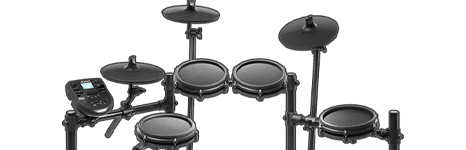 | Batería MIDI | | [VER MAS] |
 |  | Batería usando Santroller | | [VER MAS] |
|  | Baterías por Roll Limitless | | [VER MAS] |
 | 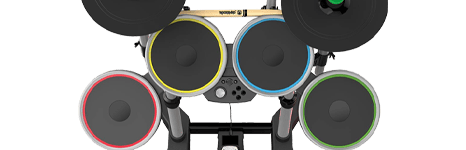 | Rock Band Drums | | [VER MAS] |
| 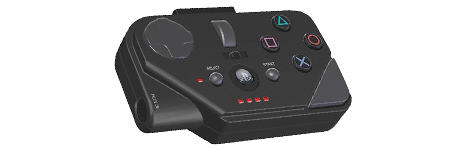 | Batería por adaptador MIDI PRO | | [VER MAS] |
| 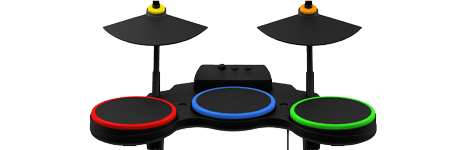 | Batería de Guitar Hero | | [VER MAS] |
 | | Rock Band 4 Drums | | [VER MAS] |
 | | Rock Band Drums | | [VER MAS] |
| 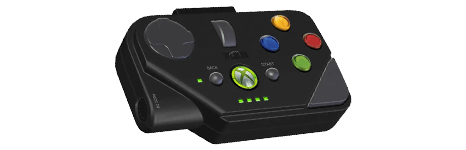 | Batería por adaptador MIDI PRO | | [VER MAS] |
| | Batería de Guitar Hero | | [VER MAS] |
 | | Rock Band 4 Drums | | [VER MAS] |
 | | Rock Band Drums | | [VER MAS] |
| 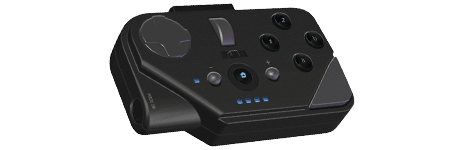 | Batería por adaptador MIDI PRO | | [VER MAS] |
| | Batería de Guitar Hero (Raphnet) | | [VER MAS] |
 |  | Batería desconocida | N/A | [VER MAS] |
Guitarras
Sección titulada «Guitarras»| Sistema | Imagen | Nombre | Compatibilidad | Configuración |
|---|---|---|---|---|
 | 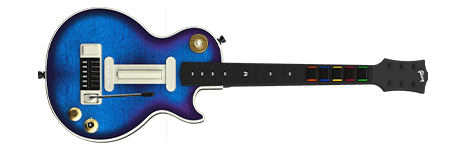 | Les Paul de CRKD Multi-plataforma | | [VER MAS] |
|  | Guitarras usando Santroller | | [VER MAS] |
 | 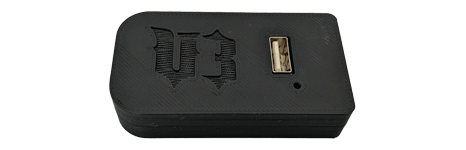 | Guitarras por Adaptador V3 de RetroCultMods | | [VER MAS] |
| 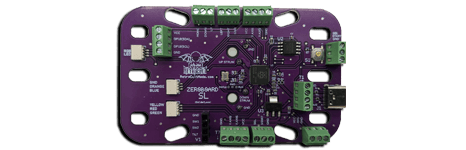 | Guitarras por kits de RetroCultMods | | [VER MAS] |
 | 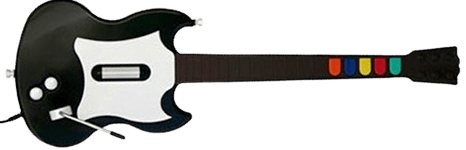 | Gibson SG de Guitar Hero | | [VER MAS] |
|  | Stratocaster de Rock Band | | [VER MAS] |
| 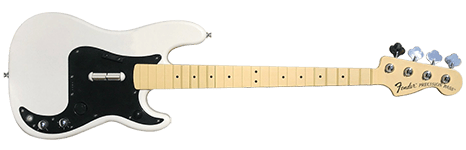 | Bajo Precision de Rock Band | | [VER MAS] |
|  | Höfner de The Beatles:Rock Band | | [VER MAS] |
| 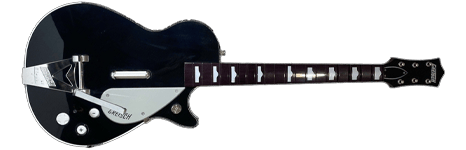 | Gretsch de The Beatles:Rock Band | | [VER MAS] |
| 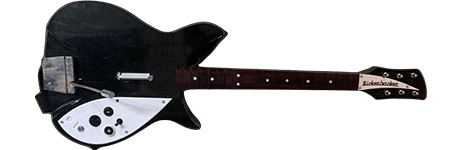 | Rickenbacker de The Beatles:Rock Band | | [VER MAS] |
| 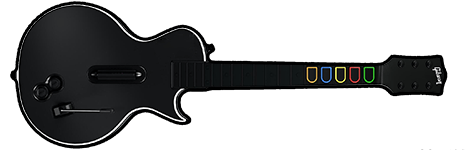 | Les Paul de Guitar Hero | | [VER MAS] |
| 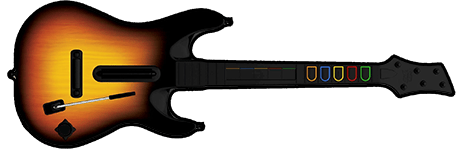 | Guitarra de Guitar Hero World Tour | | [VER MAS] |
| 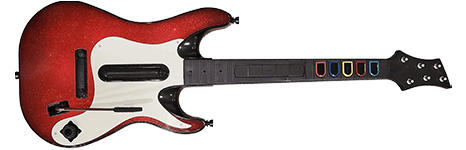 | Guitarra de Guitar Hero 5 | | [VER MAS] |
| 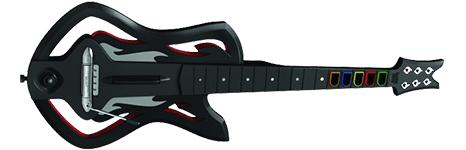 | Guitarra de Guitar Hero Warriors of Rock | | [VER MAS] |
| 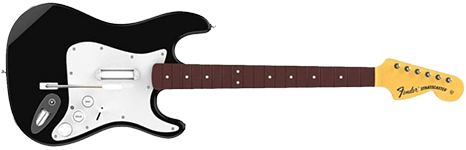 | Stratocaster de Rock Band 4 | | [VER MAS] |
| 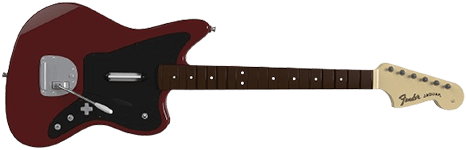 | Jaguar de Rock Band 4 | | [VER MAS] |
| 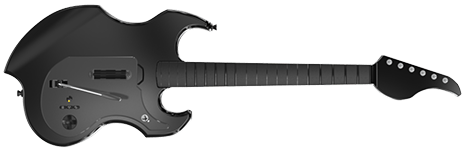 | PDP Riffmaster de Rock Band 4 | | [VER MAS] |
| | Stratocaster de Rock Band | | [VER MAS] |
| | Bajo Precision de Rock Band | | [VER MAS] |
| | Höfner de The Beatles:Rock Band | | [VER MAS] |
| | Gretsch de The Beatles:Rock Band | | [VER MAS] |
| | Rickenbacker de The Beatles:Rock Band | | [VER MAS] |
| 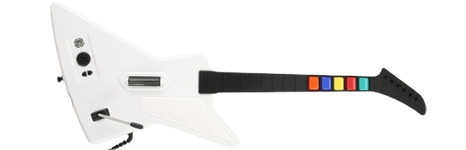 | Xplorer de Guitar Hero | | [VER MAS] |
| | Les Paul de Guitar Hero | | [VER MAS] |
| | Guitarra de Guitar Hero World Tour | | [VER MAS] |
| | Guitarra de Guitar Hero 5 | | [VER MAS] |
| | Guitarra de Guitar Hero Warriors of Rock | | [VER MAS] |
| | Stratocaster de Rock Band 4 | | [VER MAS] |
| | Jaguar de Rock Band 4 | | [VER MAS] |
| | PDP Riffmaster de Rock Band 4 | | [VER MAS] |
| | Stratocaster de Rock Band | | [VER MAS] |
| | Bajo Precision de Rock Band | | [VER MAS] |
| | Höfner de The Beatles:Rock Band | | [VER MAS] |
| | Gretsch de The Beatles:Rock Band | | [VER MAS] |
| | Rickenbacker de The Beatles:Rock Band | | [VER MAS] |
| 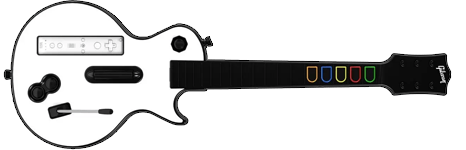 | Les Paul de Guitar Hero (WiitarThing) | | [VER MAS] |
| 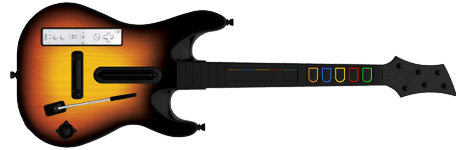 | Guitarra de Guitar Hero World Tour (WiitarThing) | | [VER MAS] |
|  | Guitarra de Guitar Hero 5 (WiitarThing) | | [VER MAS] |
|  | Guitarra de Guitar Hero Warriors of Rock (WiitarThing) | | [VER MAS] |
| | Les Paul de Guitar Hero (Raphnet) | | [VER MAS] |
 |  | Guitar Configurator (Obsoleto) | | [VER MAS] |
|  | Guitarra desconocida | N/A | [VER MAS] |
| Sistema | Imagen | Nombre | Compatibilidad | Configuración |
|---|---|---|---|---|
 | 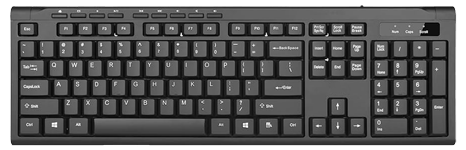 | Teclado de PC | | [VER MAS] |
|  | Control de Xbox 360 | | [VER MAS] |
| 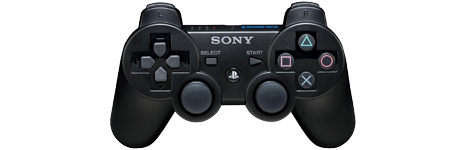 | Control DualShock 3 | | [VER MAS] |
| 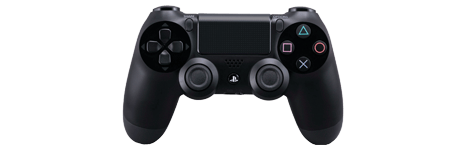 | Control DualShock 4 | | [VER MAS] |
 | 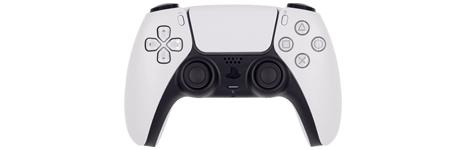 | Control DualSense | | [VER MAS] |
|  | Control de Xbox 360 | | [VER MAS] |
| 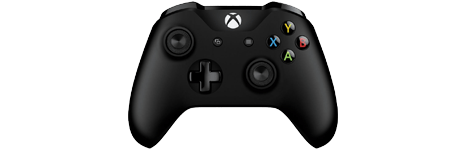 | Control de Xbox One | | [VER MAS] |
| 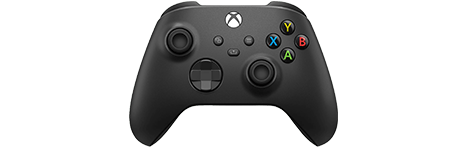 | Control de Xbox Series | | [VER MAS] |
 | 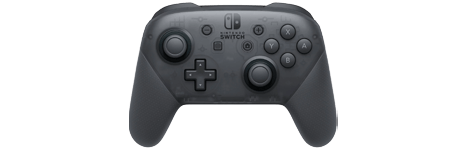 | Control Pro de Nintendo Switch | | [VER MAS] |
| 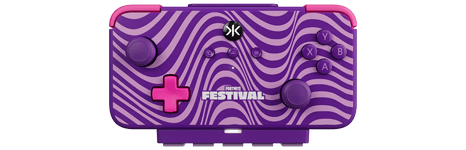 | CRKD NEO S Wave para Switch | | [VER MAS] |
|  | Mando desconocido | N/A | [VER MAS] |
Teclados PRO
Sección titulada «Teclados PRO»| Sistema | Imagen | Nombre | Compatibilidad | Configuración |
|---|---|---|---|---|
|  | Teclado MIDI | | [VER MAS] |
|  | Teclados usando Santroller | | [VER MAS] |
| | Adaptador MIDI PRO de Rock Band | | [VER MAS] |
| 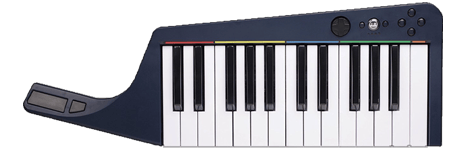 | Teclado inalámbrico de Rock Band | | [VER MAS] |
| | Teclado inalámbrico de Rock Band | | [VER MAS] |
| | Teclado inalámbrico de Rock Band | | [VER MAS] |
Guitarras PRO
Sección titulada «Guitarras PRO»| Sistema | Imagen | Nombre | Compatibilidad | Configuración |
|---|---|---|---|---|
| 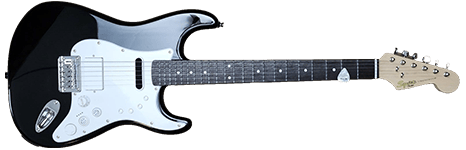 | Guitarra PRO Squier Stratocaster | | [VER MAS] |
|  | Guitarras PRO usando Santroller | | [VER MAS] |
| | Adaptador MIDI PRO de Rock Band | | [VER MAS] |
|  | Guitarra PRO Fender Mustang | | [VER MAS] |
| | Guitarra PRO Fender Mustang | | [VER MAS] |
| | Guitarra PRO Fender Mustang | | [VER MAS] |
Usando perfiles
Sección titulada «Usando perfiles»Perfiles son archivos de configuraciones pre-hechas por la comunidad. Simplemente arrastra y suelta los archivo y debe de funcionar para mayoría de personas
Después de descargar el perfil,
-
Extrae el archivo .7z.
-
Arrastra la carpeta
input_configsa la carpeta deconfigsen la carpeta donde tienes RPCS3.
-
Después de eso, puedes elegir el perfil en el menú de
Mandos.
La mayoría del tiempo, estos perfiles funcionan sin necesitar configuración adicional. Por si acaso no, cambia el control en Dispositivos, al lado del botón de Actualizar hasta que funcione. Puedes cambiar esto mientras el juego esté abierto.
Toma en cuenta que estos perfiles están hechos para solo un instrumento. Puedes usar las páginas de los instrumentos para agregar más instrumentos.
Si le sabes, puedes combinar perfiles si editas los archivos con un programa como Notepad++ o Sublime Text.
Selecciona todo desde línea 2 hasta línea 86 para los perfiles que quieres combinar en el archivo .yml con en el instrumento que quieras agregar.
Págalo entre:
- Línea 88 a 172 para Jugador 2
- Línea 174 a 258 para Jugador 3
- Línea 260 a 344 para Jugador 4
- Línea 346 a 430 para Jugador 5
- Línea 432 a 516 para Jugador 6
- Línea 518 a 602 para Jugador 7
Contribuyendo
Sección titulada «Contribuyendo»¿Tienes un instrumento que no tenemos documentado? ¿Quieres ayudar a extender esta lista? Ponte en contacto por [el Discord de MiloHax] o [abre un asunto en GitHub].
Se necesita esta información:
- Modelo y marca de instrumento (Les Paul de Guitar Hero)
- Adaptador(es) que usaste (Adaptador V3 de RetroCultMods)
- De que sistema es (Nintendo Wii)
- Configuración escrita para cada botón (Traste verde = Cross (Cruz))
- Los archivos de configuración
- Esta en
RPCS3\config\input_configs\global\ProfileName.yml) si lo creaste por el menú deMandos - Esta en
RPCS3\config\input_configs\BLUS30463\Default.yml) si lo creaste en laConfiguración de mandos personalizada
- Esta en
- Una captura de la configuración