

[Linux] HIDRAW
Certain instruments require additional setup for full functionality, namely the tilt sensor on PS3 Guitar Hero guitars.
-
Install the
hidapiandlibudev’s packages.
On distros using “apt” (like Debian, including Ubuntu and Mint), you can use the follow terminal command:Terminal window sudo apt install libhidapi-hidraw0 libudev1
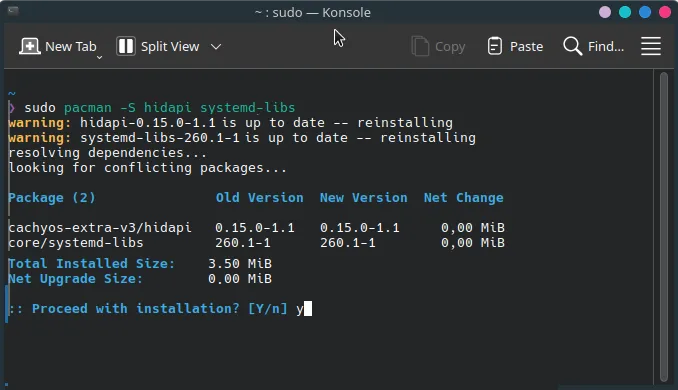
On distros using “pacman” (such as Arch, including CachyOS and SteamOS), you can use the follow terminal command:
Terminal window pacman -S hidapi systemd-libs
On distros using DFN (such as Fedora, including Bazzite and Nobara), you can use the follow terminal command:
Terminal window dnf install hidapi systemd-libs
The image below shows the installation process on Arch.
-
Navigate to
/etc/udev/in your file browser.
Enter therules.dfolder.
If it doesn’t exist, make it.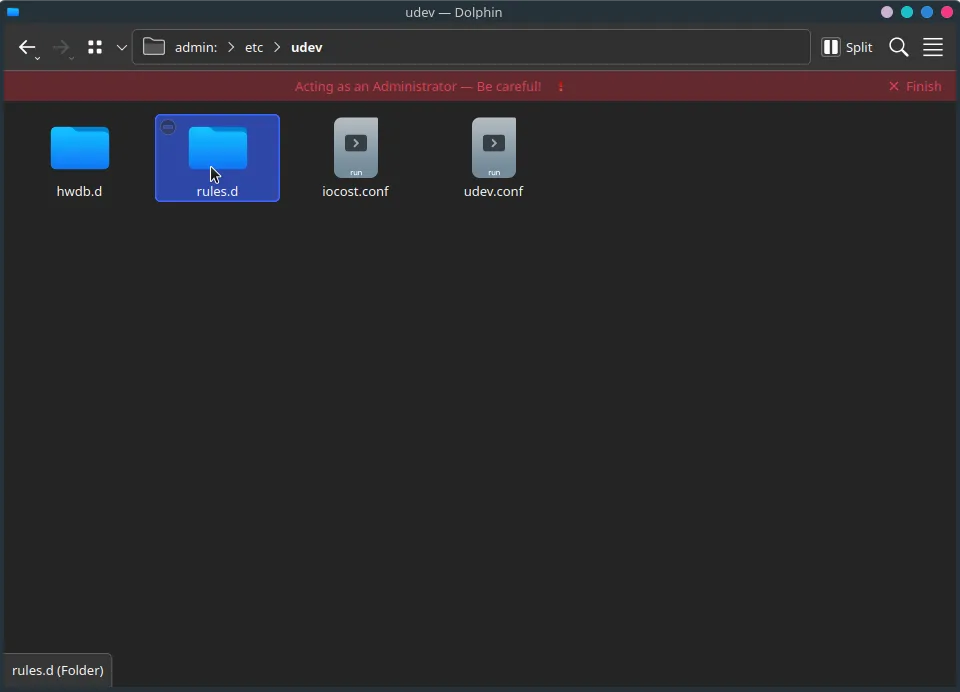
-
Create a new file.
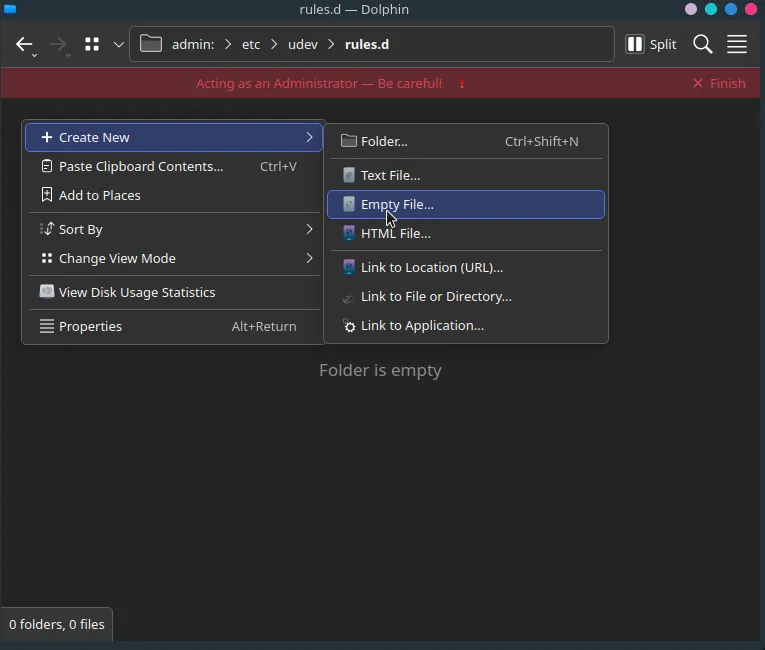
Name it
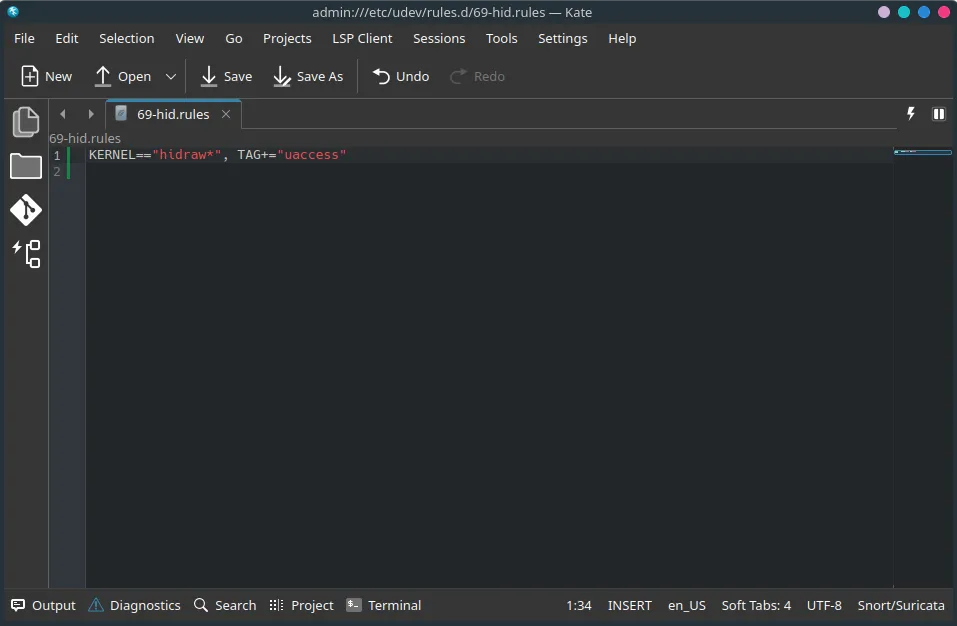
69-hid.rules.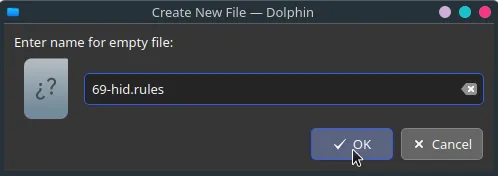
-
Open the file in a text editor.
Add the following entry:KERNEL=="hidraw*", TAG+="uaccess"When you’re done, save your edits to the file.
-
Run
sudo udevadm control --reload-rulesin a terminal or reboot your system.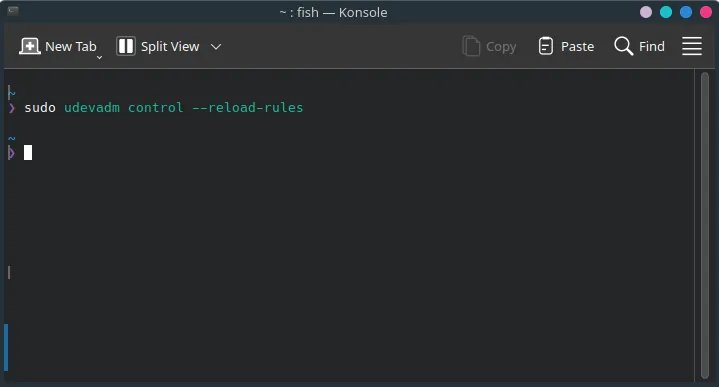
-
Disconnect your controller(s) then reconnect them.
-
Open up Rock Band 3 in RPCS3 and your controller’s tilt feature should work as expected.