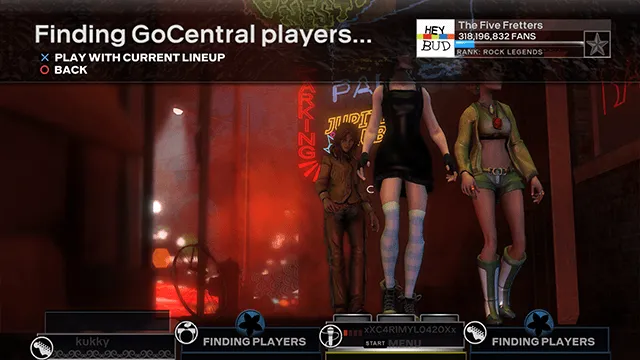
Playing Online
Thanks to the talented crew at RBEnhanced, the GoCentral project has revived Rock Band 3’s online mode.
This part will be going over how to get join a session.
Before sending or receiving invites, make sure you’re online.
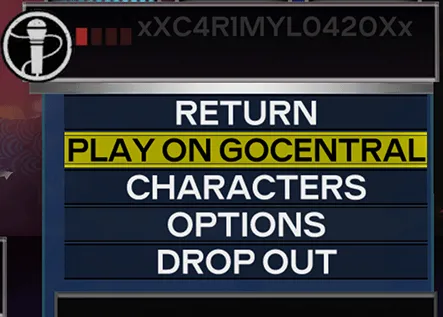
For that, open the Start menu and press on Play on GoCentral to go online.
Sending invites
Section titled “Sending invites”-
Open the Start menu and press
GoCentral Options.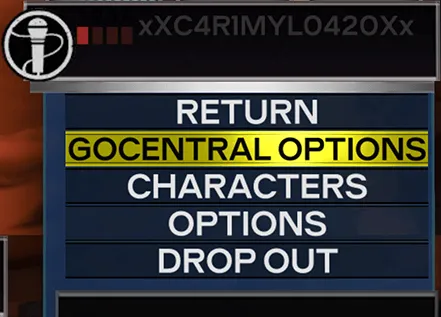
-
Press
Invite Friends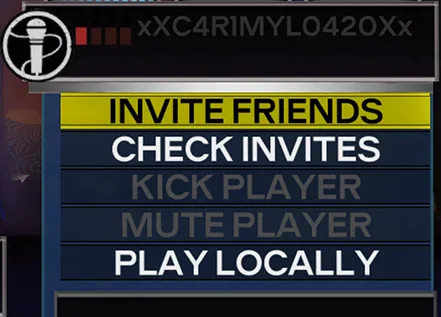
-
Select any name. It doesn’t matter as the actual friend you’re sending an invite to will be on the next screen.
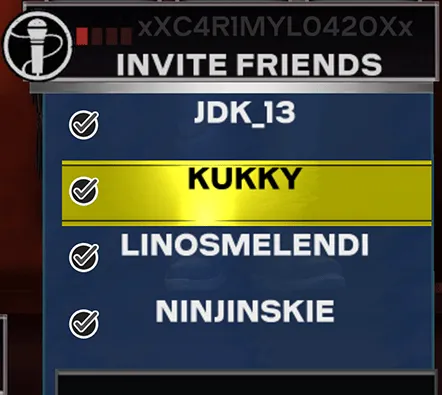
-
Here’s where you actually select the friend you want to send an invite to.
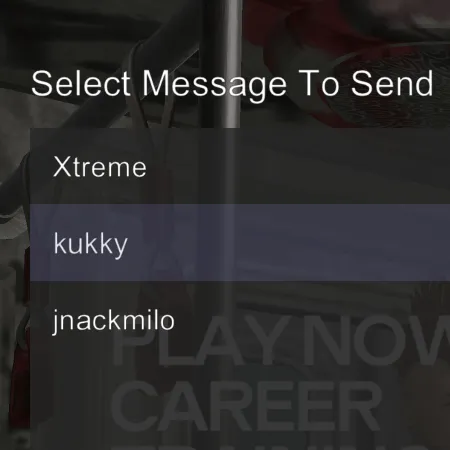
-
You will be asked to confirm if you want to send the message. Press
Yesto send it.
When your friend accepts the invite, they’ll be in your session.

Receiving invites
Section titled “Receiving invites”-
Open the Start menu and press
GoCentral Options.
-
Press
Check Invites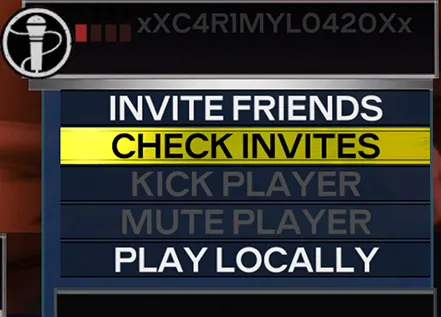
-
A message selection screen will appear. Invites will appear with your friend’s name and the subject will be “Rock Band 3”.
Select the message.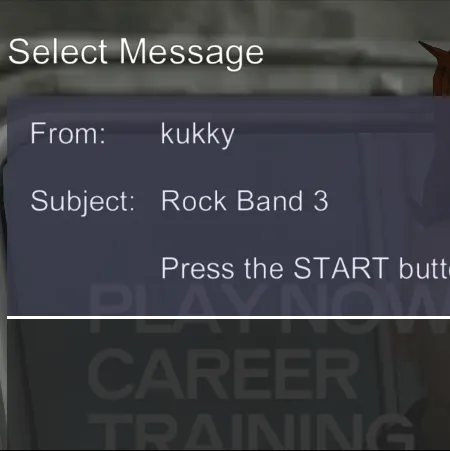
-
You will then join their session.
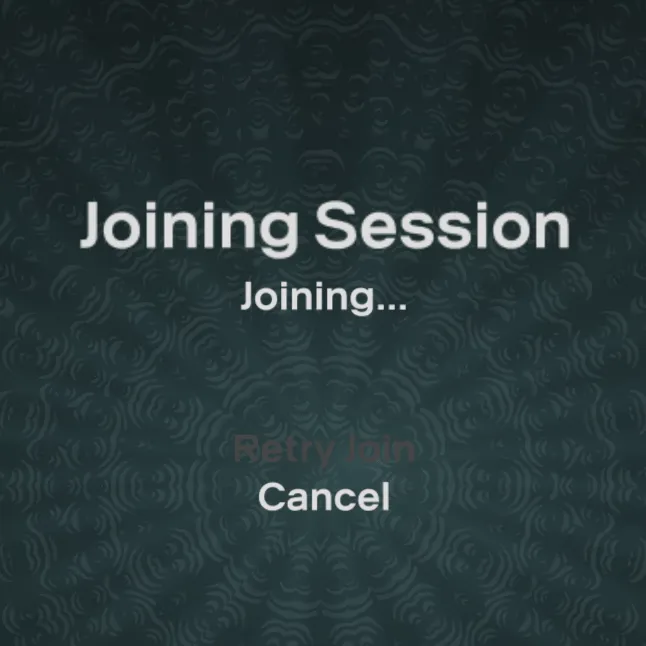
That’s it! You should be in a session with your friend.
Searching for random people
Section titled “Searching for random people”Searching for random players works just like it did originally.
Go to Play Now > Quick Play > Find GoCentral Players

That’s it! You should soon find other players!