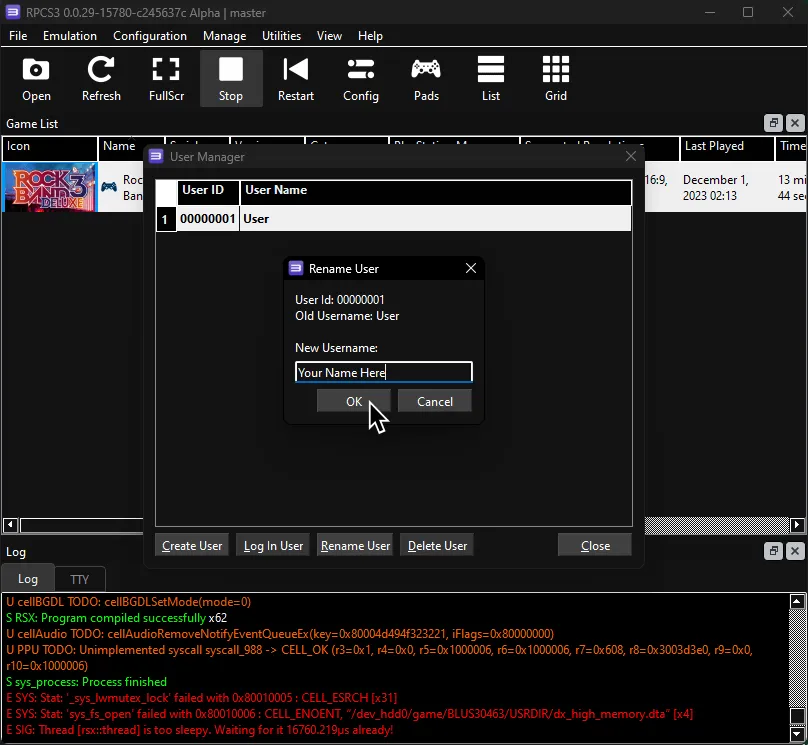
User Account
By default, RPCS3’s default username is User when you’re playing offline.
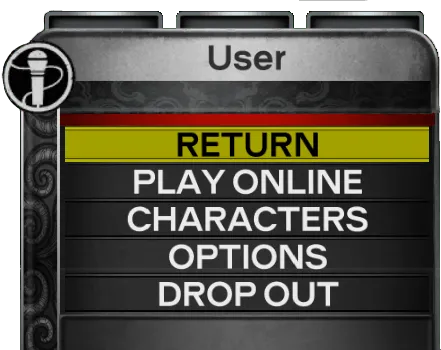
Changing it is very easy!
-
In RPCS3, go to Manage > User Accounts

-
Once you’re there, click on the default username (
00000001 - User) and then clickRename User.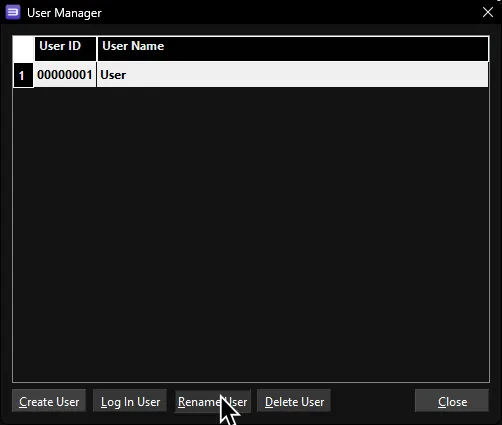
-
Now change it to whatever you want, then close it out.