

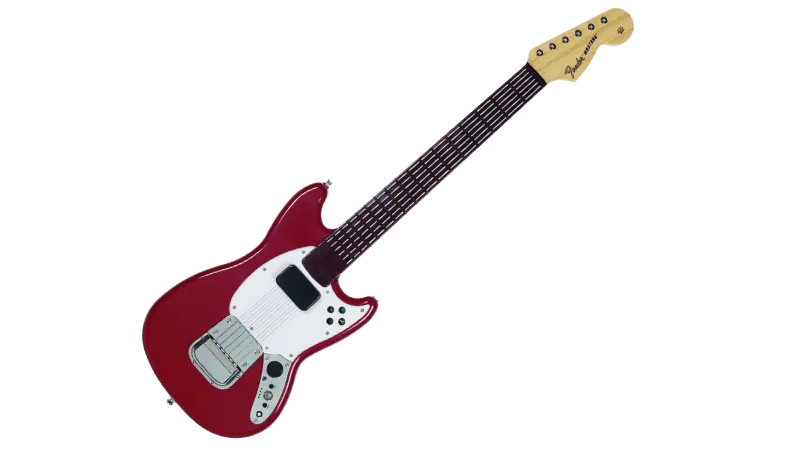
PlayStation 3 Rock Band 3 Fender Mustang Pro Guitar
Instructions
Section titled “Instructions”There are two different ways to connect this Pro Guitar. If you don’t have the Rock Band Mustang Receiver for PlayStation 3, you will need to use MIDI to USB.
Pick whichever is the most convenient for you:
This is the recommended method because the guitar will work as expected and will be wireless.
You will need:
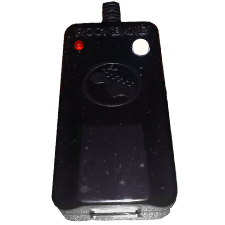
- a PlayStation 3 Wireless Mustang Receiver to connect to your computer.
-
Connect your RB3 Wireless Mustang Receiver for PlayStation 3 to your computer.
-
Now, [go to Zadig’s website] and download the latest version, then open it up.
-
Click on
OptionsthenList All Devices.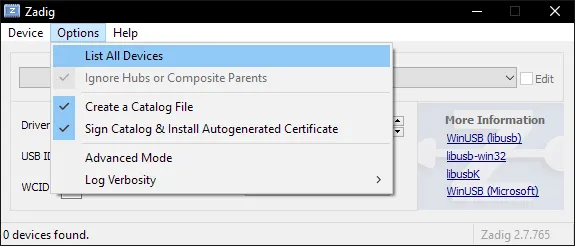
-
You should now see devices listed. Switch it to
Harmonix RB3 Mustang Guitar for PlayStation® 3.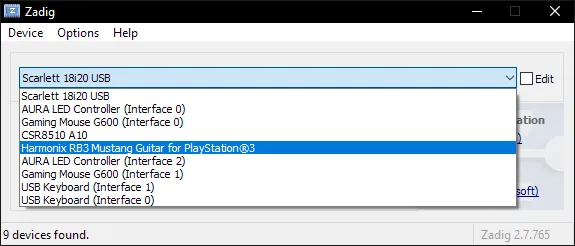
-
After selecting the right device, you should see the option to replace the driver.
MAKE SURE YOU ARE REPLACING THE DRIVER ONLY FOR THE RB3 WIRELESS MUSTANG RECEIVER!!
ClickReplace Driver.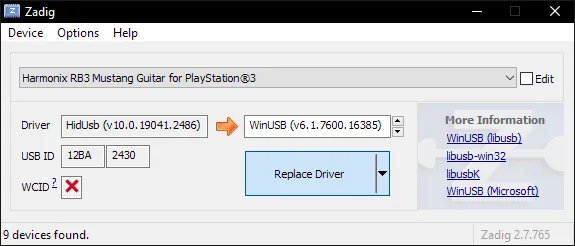
-
A warning will appear. Again, make sure you have selected your RB3 Wireless Mustang receiver. After you have made sure, click
Yes.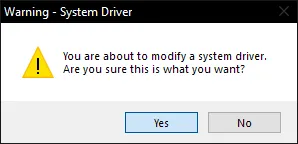
-
It will then install the driver. As the program says, it may take a few minutes.
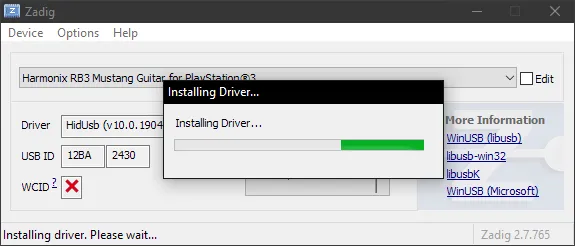
-
If everything goes well, you will get this message:
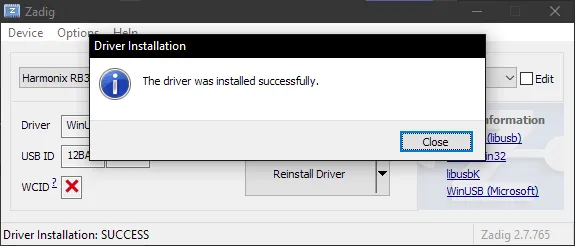
-
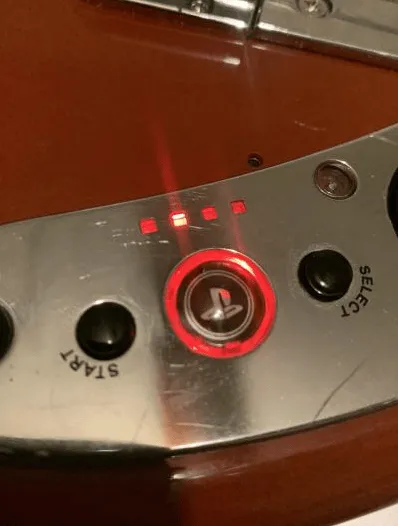
Close Zadig and, with the dongle still connected, open up RPCS3 and open Rock Band 3. Turn your controller on and you should see it automatically assign a player number.
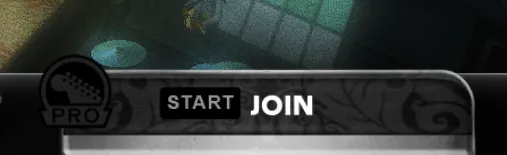
You will see the instrument ready to join in Rock Band 3.
From this point, you can just connect your RB3 Wireless Mustang receiver whenever you want without having to repeat this setup process!
Uninstalling
Applying a Zadig driver on a device will make it only work on applications with passthrough. Thankfully, reverting this is very easy.-
Open the Start menu and search for
Device Manager. Open it.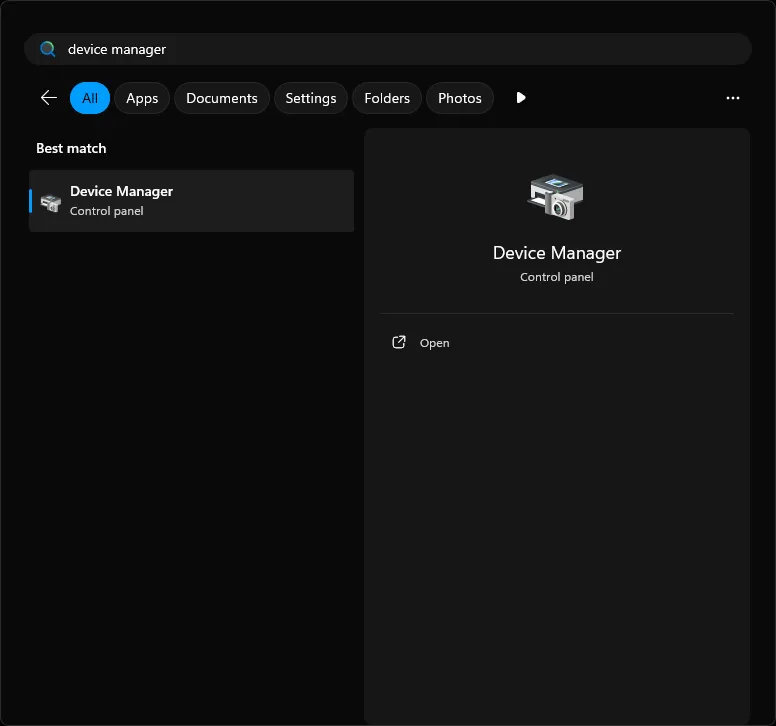
-
Scroll down until you find the
Universal Serial Bus devicescategory.
Expand it and right click the instrument you applied the Zadig driver on and then selectUninstall device.
In this example, it’s the Pro Guitar (Harmonix RB3 Mustang Guitar for PlayStation® 3).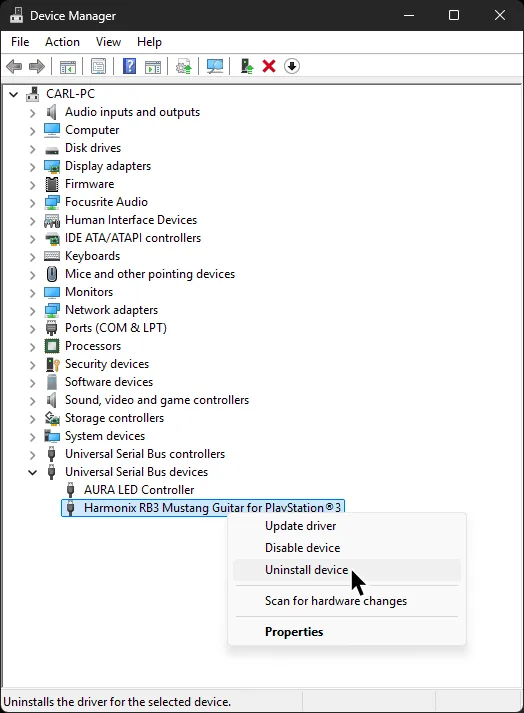
-
In the next window that pops up, make sure to tick
Attempt to remove the driver for this device. -
After that, click
Uninstalland that’s it!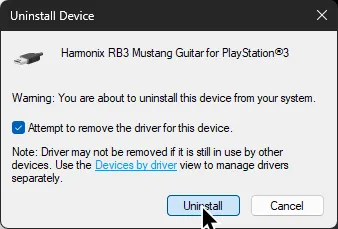
When you disconnect then reconnect the device, it will revert back to the original driver.
SYSEX Notice
Section titled “SYSEX Notice”| Verified MIDI to USB interfaces |
|---|
| CME C2MIDI Pro |
| CME U2MIDI Pro |
| Focusrite Scarlett (4i4 and higher) [3rd Gen] |
| M-Audio Midisport Uno |
| MOTU M2/M4 |
| Roland UM-ONE mk2 |
| SSL +2 MKII |
Instructions
Section titled “Instructions”Since you can’t use the dongle, you will need to connect Rock Band 3 Pro Guitar via the MIDI port on the bottom.
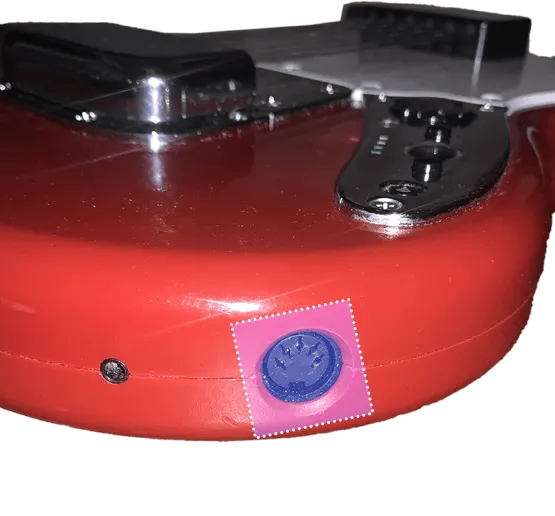
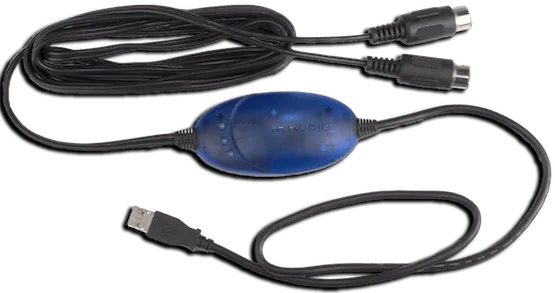
For this, you will need a MIDI to USB interface.
Here’s an example of a MIDI to USB interface. Most will come with an LED indicator to show activity. To check that you’ve plugged it in correctly, you should see “MIDI In” blinking when you press a key.
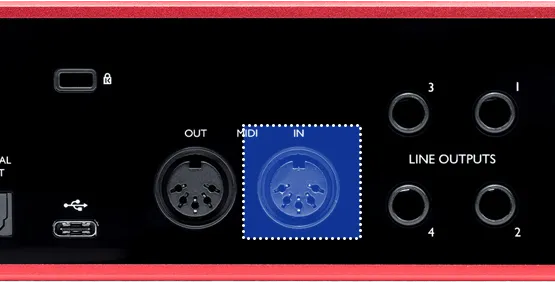
If you have an audio interface, you may already have a way to plug in MIDI to your computer, as some audio interfaces come with MIDI inputs. For example, this Scarlett has MIDI connections in the back.
After that, right click on Rock Band 3 in RPCS3, then click on Change Custom Configuration.
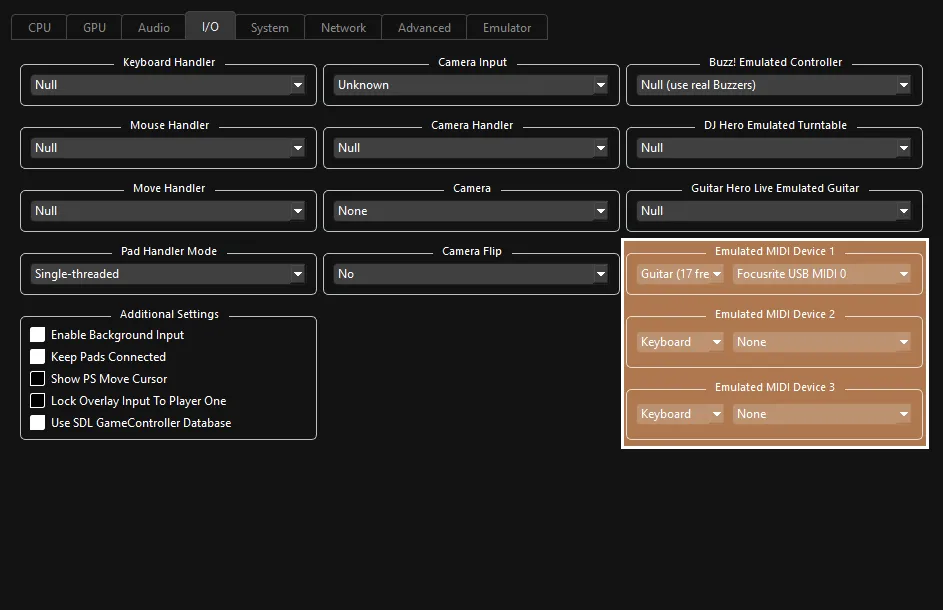
 :
:
- 🎸 Change your
Emulated MIDI typefromKeyboardtoGuitar (17 Frets)if you have a Mustang Pro Guitar, orGuitar (22 Frets)if you have a Squier Pro Guitar, then select your MIDI to USB interface in the drop-down menu next to it.
- 🎸 Change your
Investigated by [Carl Mylo]
MIDI Implementation by [Dark]