

Xbox 360 Rock Band MIDI PRO Adapter Guitars (Santroller)

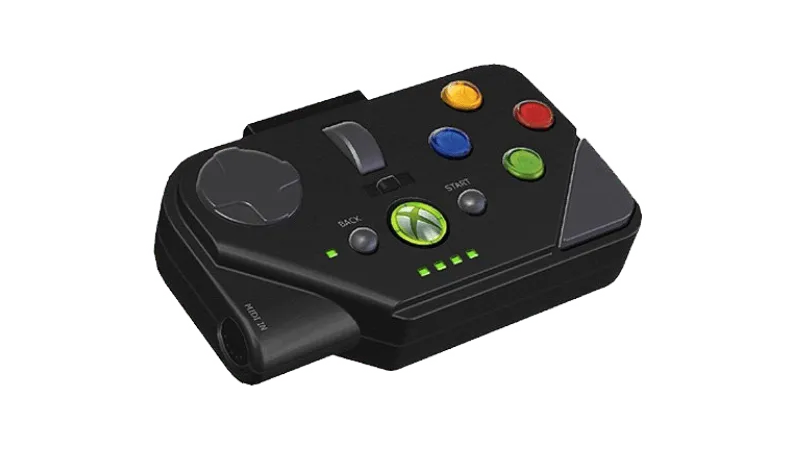
You will need:
- a Santroller based adapter to connect to your computer.
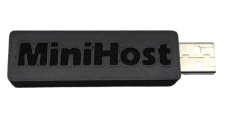 Need one?
Switch your RB3 MIDI PRO Adapter and switch it to Guitar mode. Simply set the middle switch to rightmost G position.
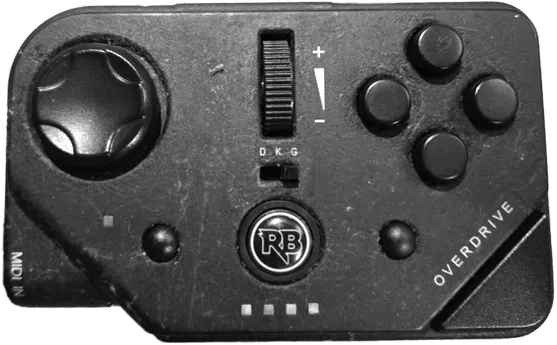
Connect the Xbox 360 MIDI Pro Adapter to your Santroller based adapter, then connect the Santroller based adapter to your computer.
Be sure to [download the latest version of Santroller].
After that, start up Santroller.
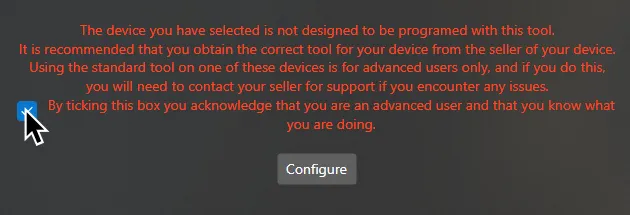
If you’re using a premade adapter (like the RetroCultMods MiniHost), you may receive a warning from Santroller in the start screen.
All this means is that you can’t ask for support on the official Santroller Discord.
You can tick the checkbox and focus on the rest of the configuration.
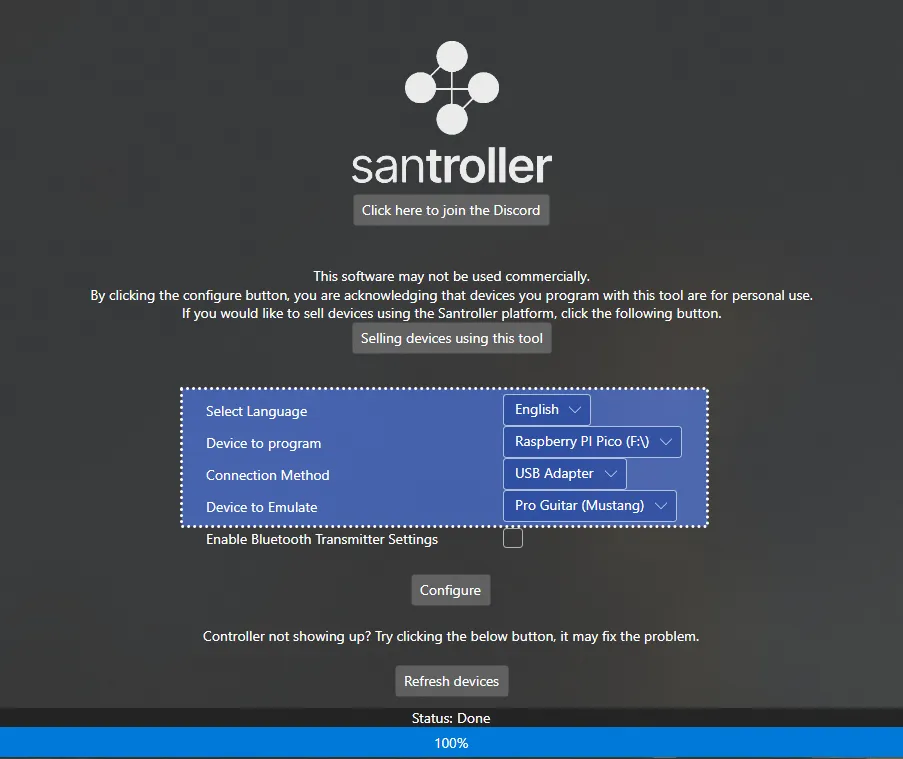
Select your Device to program, Connection Method, and Device to Emulate.
This will usually be Raspberry Pi Pico, USB Adapter, and Pro Guitar (Mustang) or Pro Guitar (Squier) respectively.
After selecting your options, click on Configure.
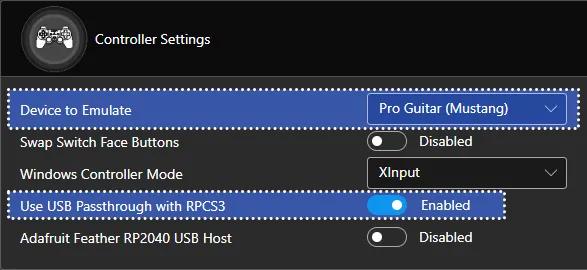
In Controller Settings, change the following:
- Set
Device to EmulatetoPro Guitar (Mustang)orPro Guitar (Squier) - Enable
Use USB Passthrough with RPCS3
MAKE SURE YOU CLICK ON Save Settings before closing the program or you will lose progress!
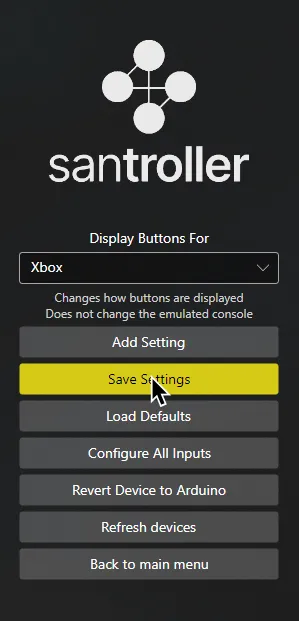
When you’re done, close Santroller.
You can now launch Rock Band 3 and don’t need to touch this anymore!
Research by [Linos]
Santroller screenshots by [gonakil1ya]