

CRKD NEO S Wave
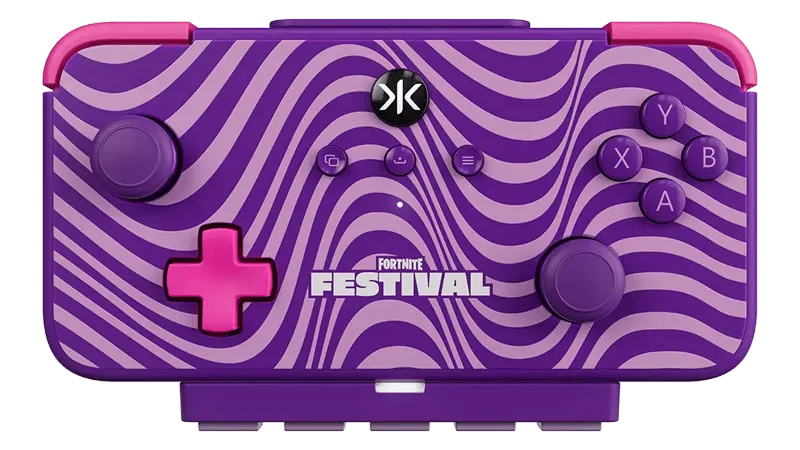
- CRKD NEO S Wave controllers can be connected via USB or wirelessly via Bluetooth. For Bluetooth, you need a Bluetooth receiver to connect to your computer.
- To rebind the controller, use the CRKD app on your phone (iOS/Android).
- To play Guitar/Bass/Keys/Drums parts on a Controller (Padtar), you will need Rock Band 3 Deluxe.
- You can also rebind your controller within Deluxe.
Menu > Options > Deluxe Settings > Advanced > Controller > Pad Button Remap
- You can also rebind your controller within Deluxe.
How do I set my gamepad up?
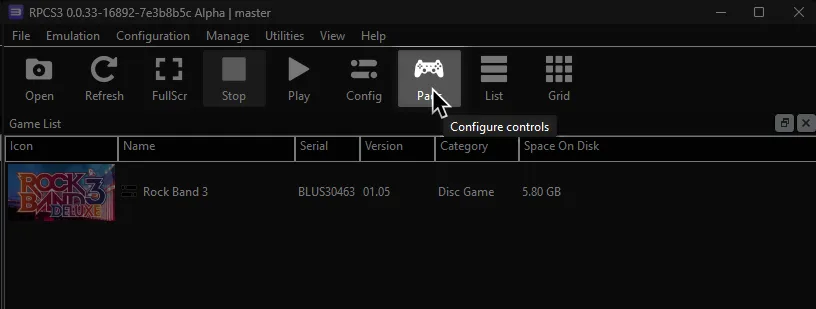
Click on the Pads icon at the top of RPCS3.
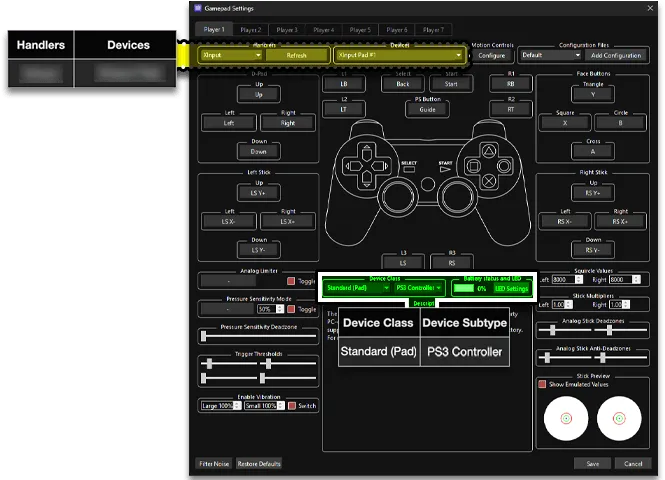
Follow the instructions and/or match the assignments below.
Bindings
Section titled “Bindings”These bindings are here in case you need ideas on how to configure your device. You can leave the binding on default and just remap within Deluxe as mentioned above.
Default Guitars/Bass/Keys
Section titled “Default Guitars/Bass/Keys”- This is the out-of-the-box experience.
CRKD App Setup
Section titled “CRKD App Setup”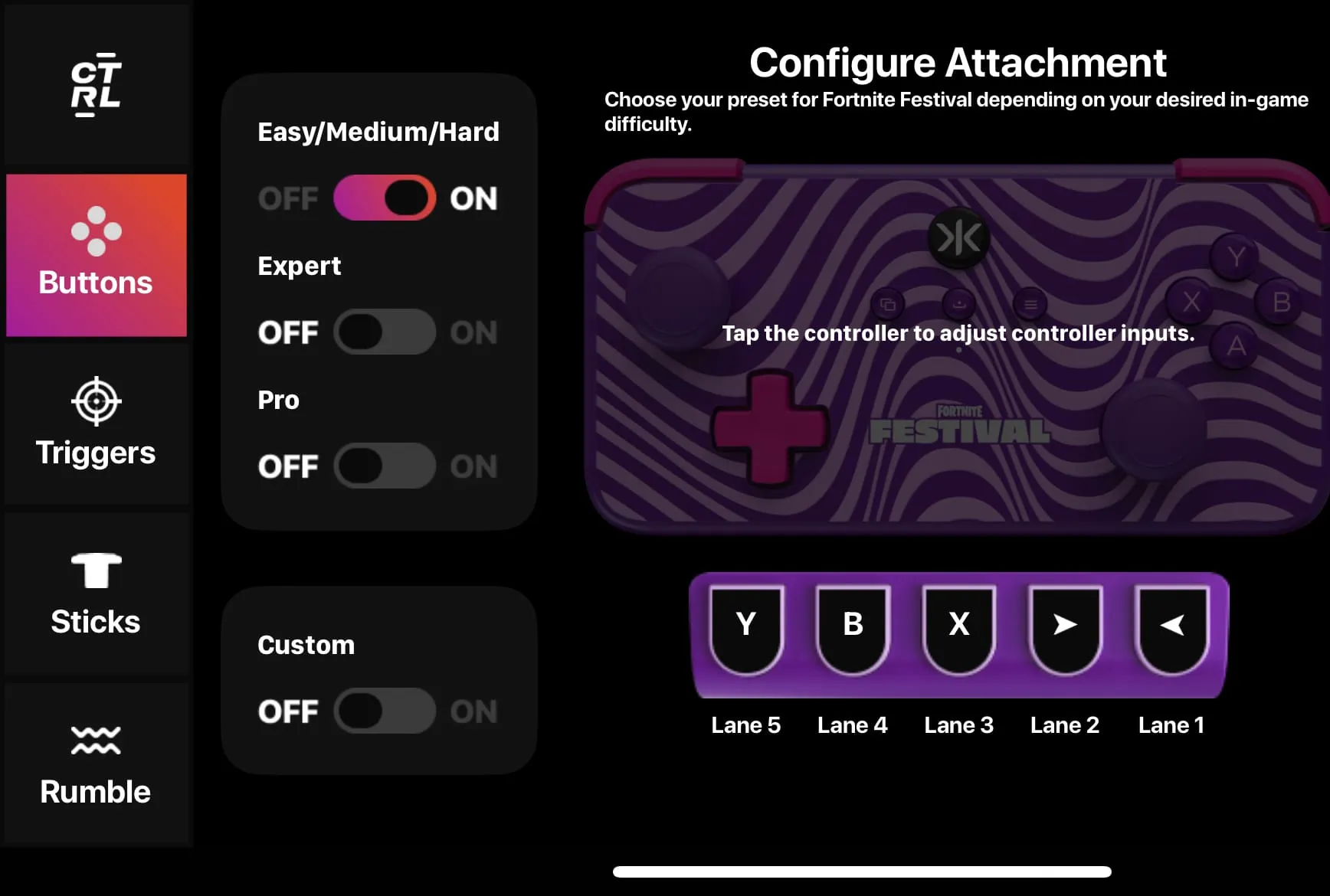
| Lane | Button |
|---|---|
| Lane 1 | Left |
| Lane 2 | Right |
| Lane 3 | X |
| Lane 4 | B |
| Lane 5 | Y |
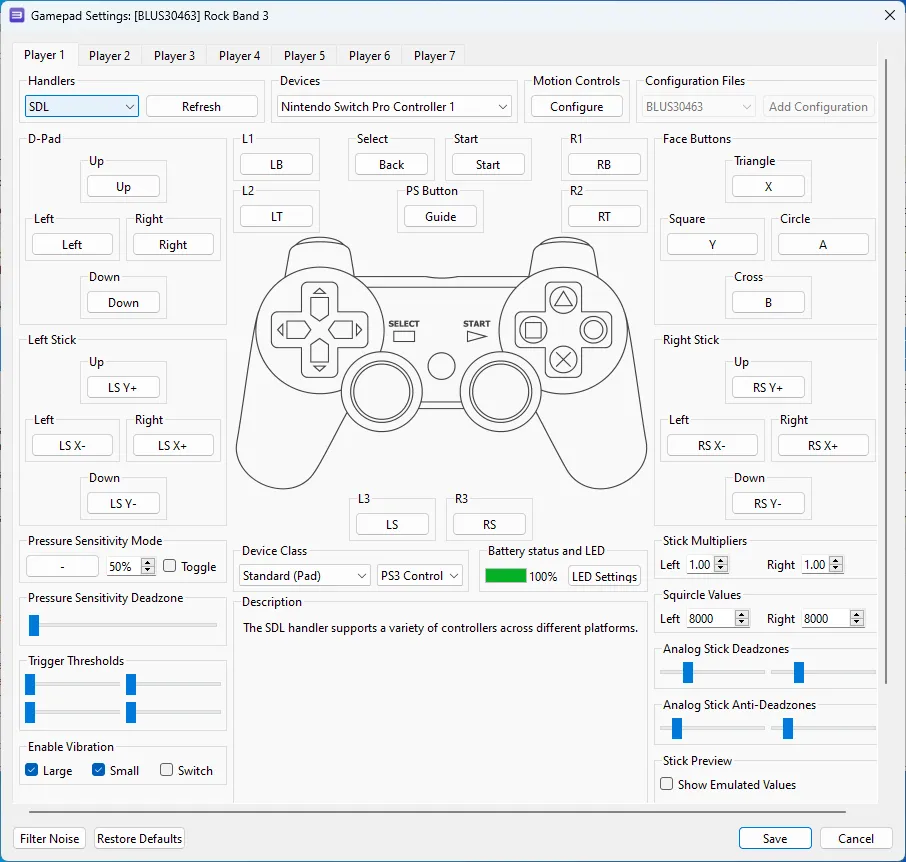
Pad Information
Section titled “Pad Information”| Handlers | Devices |
|---|---|
| SDL | Nintendo Switch Pro Controller |
| Device Class | Device Subtype |
|---|---|
| Standard (Pad) | PS3 Controller |
Bindings
Section titled “Bindings”| Lane | Rock Band |
|---|---|
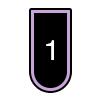 | 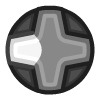 |
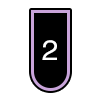 | 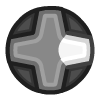 |
 |  |
 |  |
 |  |
 |  |
 | Overdrive |
Retro Guitars/Bass/Keys
Section titled “Retro Guitars/Bass/Keys”- This configuration sets the fret buttons to mimic the padtar buttons from Guitar Hero 1, 2, 80s, 3, and Aerosmith.
CRKD App Setup
Section titled “CRKD App Setup”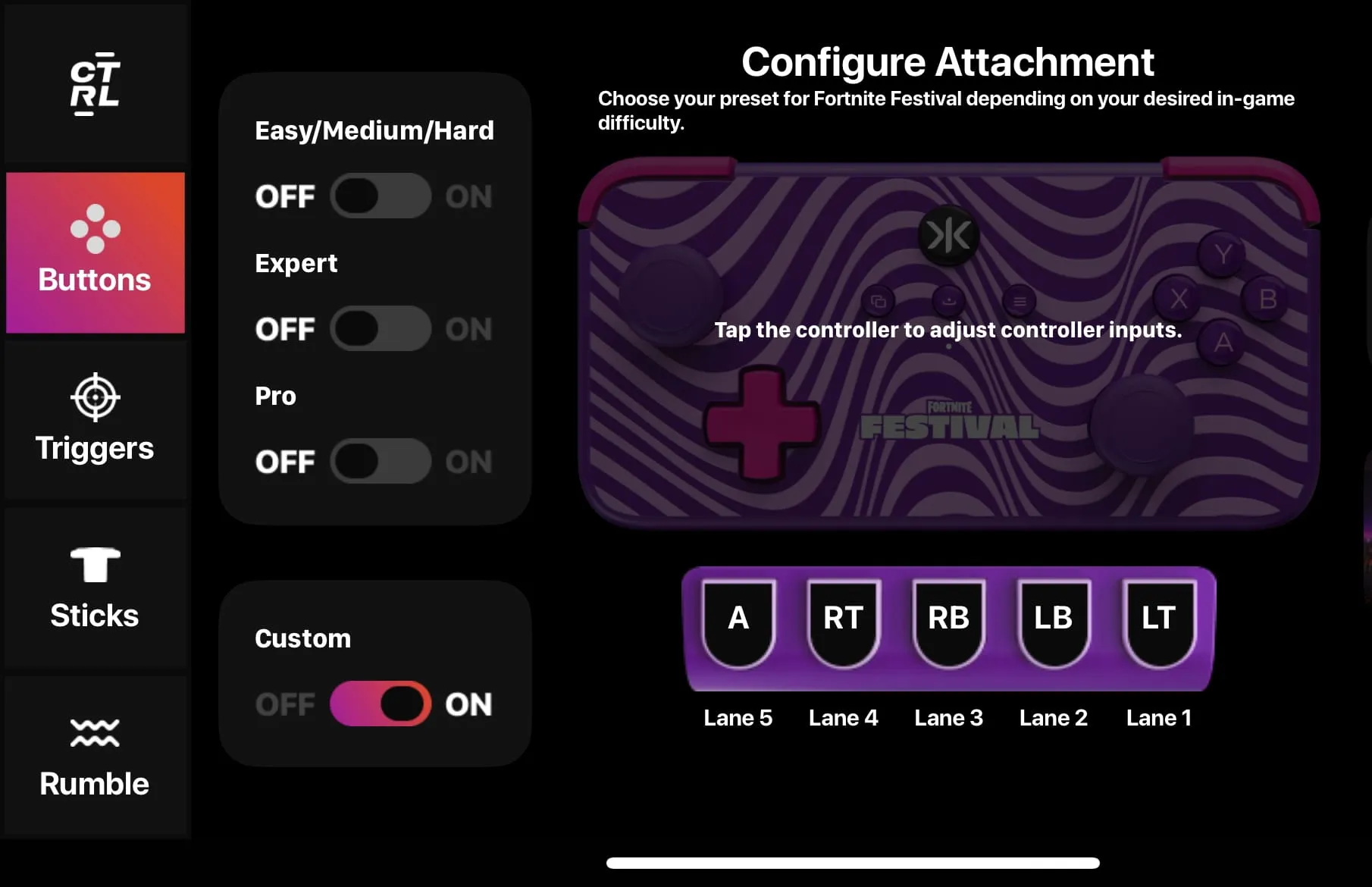
| Lane | Button |
|---|---|
| Lane 1 | LT |
| Lane 2 | LB |
| Lane 3 | RB |
| Lane 4 | RT |
| Lane 5 | A |
Pad Information
Section titled “Pad Information”| Handlers | Devices |
|---|---|
| SDL | Nintendo Switch Pro Controller |
| Device Class | Device Subtype |
|---|---|
| Standard (Pad) | PS3 Controller |
Bindings
Section titled “Bindings”| Lane | Rock Band |
|---|---|
| 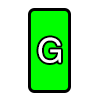 |
| 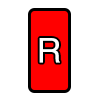 |
| 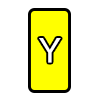 |
| 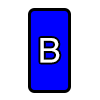 |
| 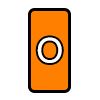 |
| |
| Overdrive |
Pro Guitar/Bass
Section titled “Pro Guitar/Bass”- This configuration requires you to strum after holding down frets.
CRKD App Setup
Section titled “CRKD App Setup”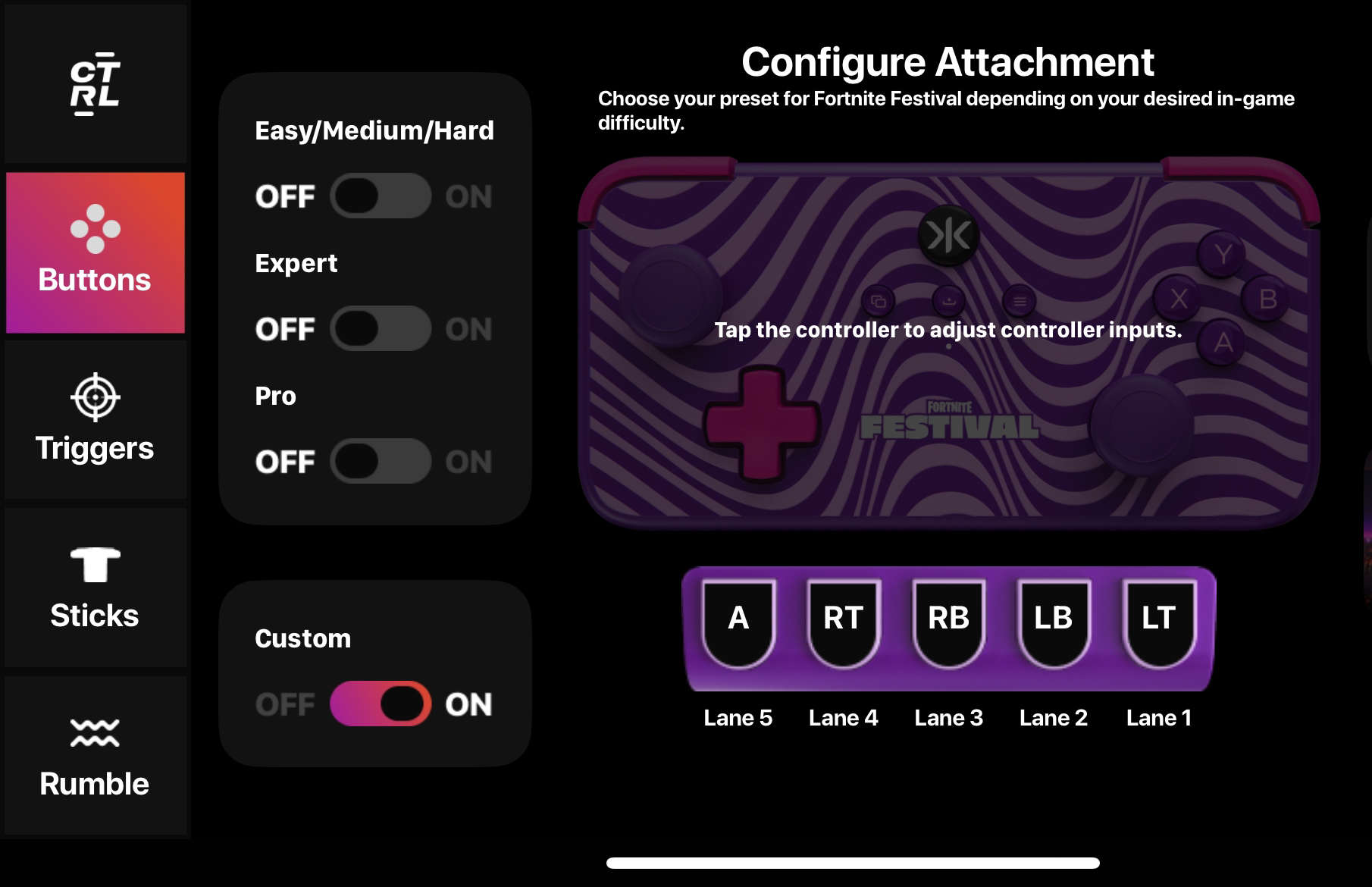
| Lane | Button |
|---|---|
| Lane 1 | LT |
| Lane 2 | LB |
| Lane 3 | RB |
| Lane 4 | RT |
| Lane 5 | A |
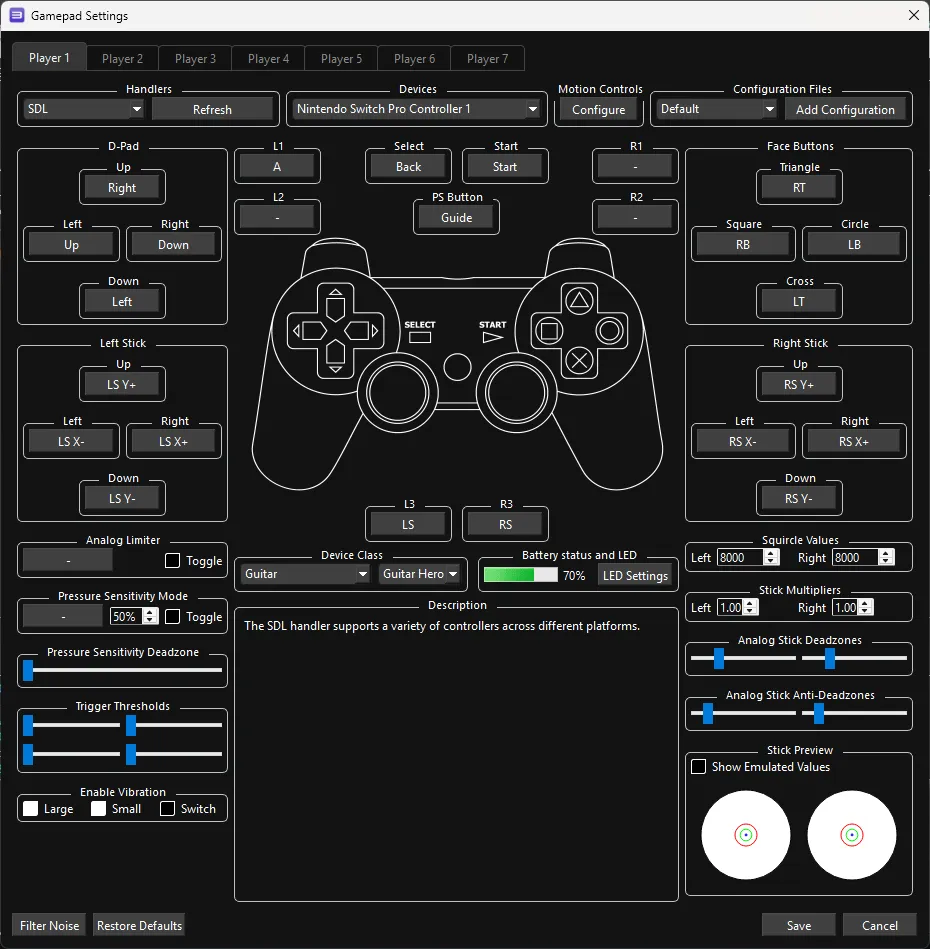
Pad Information
Section titled “Pad Information”| Handlers | Devices |
|---|---|
| SDL | Nintendo Switch Pro Controller |
| Device Class | Device Subtype |
|---|---|
| Guitar | Guitar Hero |
Bindings
Section titled “Bindings”| Lane | Rock Band |
|---|---|
| |
| |
| |
| |
| |
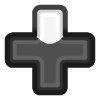 | 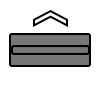 |
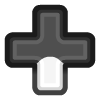 |  |
| |
| Overdrive |
Mapped by [qtipman64]