

Instruments and Controllers
Rock Band 3 on RPCS3 can be configured to be played with a variety of controllers. To make things easier, we’ve cataloged various instruments that work with Rock Band 3 on RPCS3 with their respective mappings.
Pro Tips:
- If you need to bind multiple instruments, you must set them on different ports (Player 1, Player 2, etc).
- If your mapped controller isn’t being detected, click
Refreshin thePadsmenu. If that doesn’t solve it, restart RPCS3. - Close out Steam (or disable Steam Input in Desktop) along with any other remapping software to avoid issues.
Once you’ve finished configuring, remember to click Save.
Instrument List
Section titled “Instrument List”Controllers have been sorted by and given a “Compatibility” rating depending on whether or not they have issues and/or missing features.
| SHAPE | MEANING |
|---|---|
 | Bad Compatibility |
 | Okay Compatibility |
 | Great Compatibility |
| Platform | Picture | Name | Compatibility | Set Up |
|---|---|---|---|---|
 | 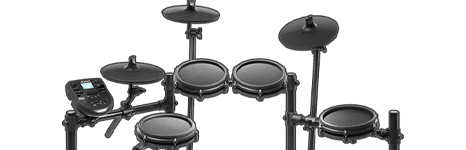 | MIDI Drums | | [CLICK HERE] |
 |  | Santroller Powered Drums | | [CLICK HERE] |
|  | Roll Limitless Drums | | [CLICK HERE] |
 | 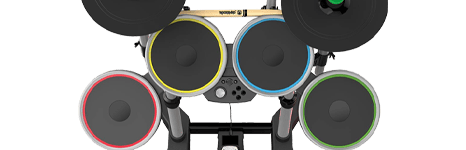 | Rock Band 4 Drums | | [CLICK HERE] |
 | | Rock Band 4 Drums | | [CLICK HERE] |
 | | Rock Band Drums | | [CLICK HERE] |
 | | Rock Band Drums | | [CLICK HERE] |
 | | Rock Band Drums | | [CLICK HERE] |
| 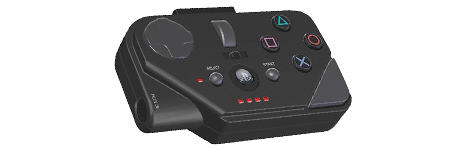 | Rock Band MIDI Pro Adapter Drums | | [CLICK HERE] |
| 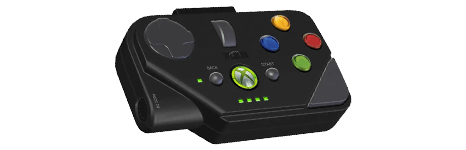 | Rock Band MIDI Pro Adapter Drums | | [CLICK HERE] |
| 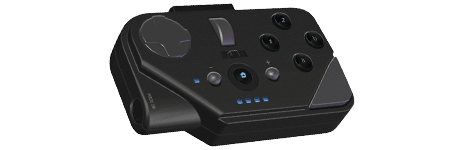 | Rock Band MIDI Pro Adapter Drums | | [CLICK HERE] |
| 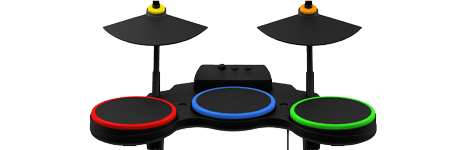 | Guitar Hero Drums | | [CLICK HERE] |
| | Guitar Hero Drums | | [CLICK HERE] |
| | Guitar Hero Drums (Raphnet) | | [CLICK HERE] |
 |  | Unknown Drums | N/A | [CLICK HERE] |
Guitars
Section titled “Guitars”| Platform | Picture | Name | Compatibility | Set Up |
|---|---|---|---|---|
|  | Rock Band Stratocaster | | [CLICK HERE] |
| 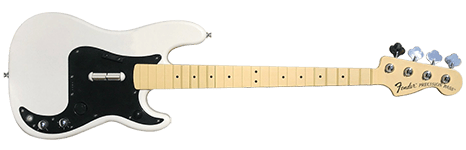 | Rock Band Precision Bass | | [CLICK HERE] |
|  | Rock Band Höfner | | [CLICK HERE] |
| 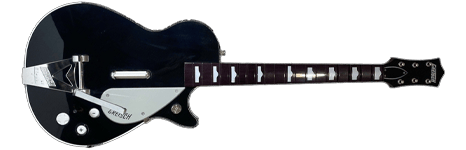 | Rock Band Gretsch | | [CLICK HERE] |
| 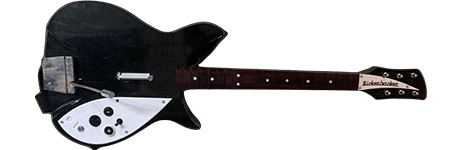 | Rock Band Rickenbacker | | [CLICK HERE] |
|  | Santroller Powered Guitars | | [CLICK HERE] |
 | 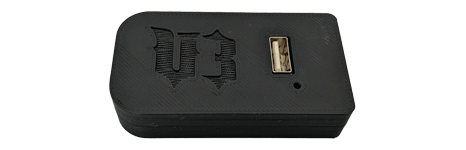 | RetroCultMods V3 Adapter Guitars | | [CLICK HERE] |
| 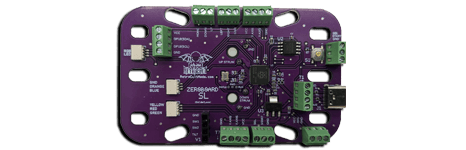 | RetroCultMods Kit Guitars | | [CLICK HERE] |
 | 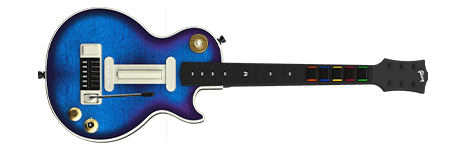 | Multi-platform CRKD Les Paul Guitar | | [CLICK HERE] |
| 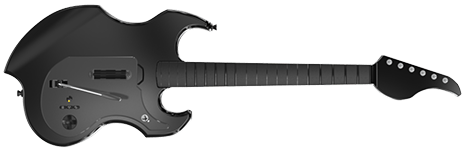 | PDP Riffmaster | | [CLICK HERE] |
| 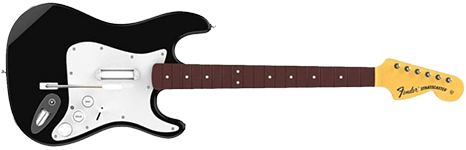 | Rock Band 4 Stratocaster | | [CLICK HERE] |
| 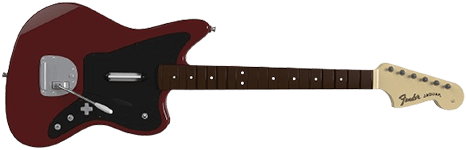 | Rock Band 4 Jaguar | | [CLICK HERE] |
| | PDP Riffmaster | | [CLICK HERE] |
| | Rock Band 4 Stratocaster | | [CLICK HERE] |
| | Rock Band 4 Jaguar | | [CLICK HERE] |
| | Rock Band Stratocaster | | [CLICK HERE] |
| | Rock Band Precision Bass | | [CLICK HERE] |
| | Rock Band Höfner | | [CLICK HERE] |
| | Rock Band Gretsch | | [CLICK HERE] |
| | Rock Band Rickenbacker | | [CLICK HERE] |
| | Rock Band Stratocaster | | [CLICK HERE] |
| | Rock Band Precision Bass | | [CLICK HERE] |
| | Rock Band Höfner | | [CLICK HERE] |
| | Rock Band Gretsch | | [CLICK HERE] |
| | Rock Band Rickenbacker | | [CLICK HERE] |
| 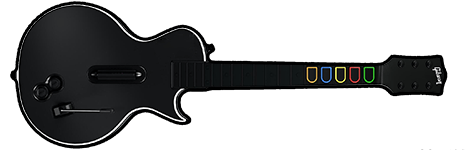 | Guitar Hero Les Paul | | [CLICK HERE] |
| 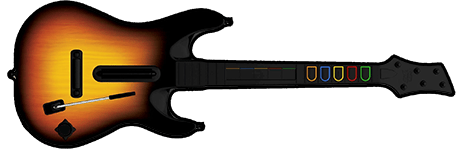 | Guitar Hero World Tour | | [CLICK HERE] |
| 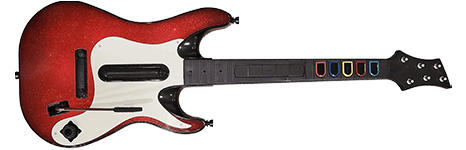 | Guitar Hero 5 | | [CLICK HERE] |
| 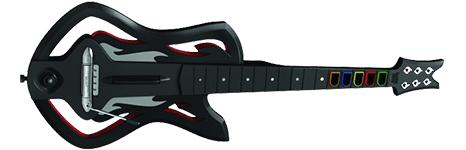 | Guitar Hero Warriors of Rock | | [CLICK HERE] |
| 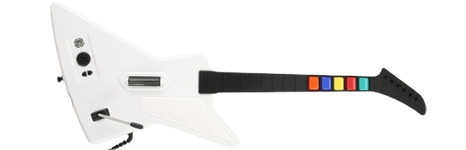 | Guitar Hero Xplorer | | [CLICK HERE] |
| | Guitar Hero Les Paul | | [CLICK HERE] |
| | Guitar Hero World Tour | | [CLICK HERE] |
| | Guitar Hero 5 | | [CLICK HERE] |
| | Guitar Hero Warriors of Rock | | [CLICK HERE] |
| 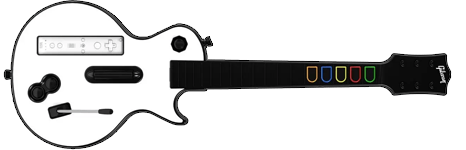 | Guitar Hero Les Paul (Raphnet) | | [CLICK HERE] |
| | Guitar Hero Les Paul (WiitarThing) | | [CLICK HERE] |
| 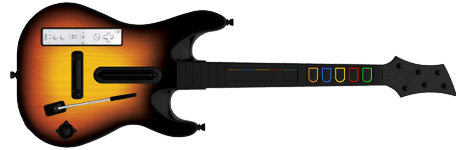 | Guitar Hero World Tour (WiitarThing) | | [CLICK HERE] |
|  | Guitar Hero 5 (WiitarThing) | | [CLICK HERE] |
|  | Guitar Hero Warriors of Rock (WiitarThing) | | [CLICK HERE] |
 |  | Guitar Configurator (Obsolete) | | [CLICK HERE] |
 | 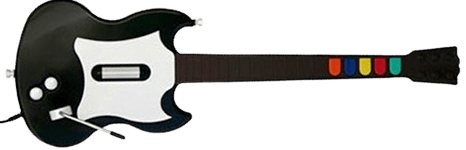 | Guitar Hero Gibson SG | | [CLICK HERE] |
|  | Unknown Guitar | N/A | [CLICK HERE] |
Gamepads
Section titled “Gamepads”| Platform | Picture | Name | Compatibility | Set Up |
|---|---|---|---|---|
| 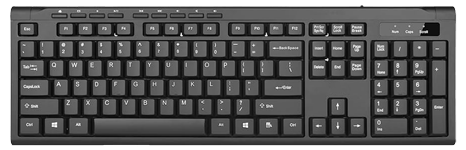 | PC Keyboard | | [CLICK HERE] |
 | 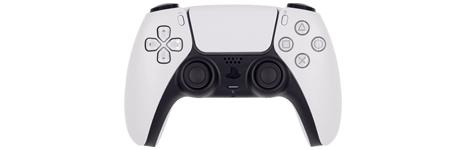 | DualSense Controller | | [CLICK HERE] |
| 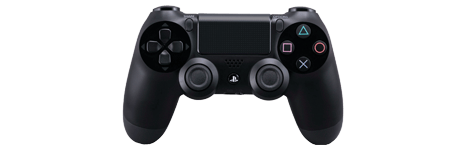 | DualShock 4 Controller | | [CLICK HERE] |
| 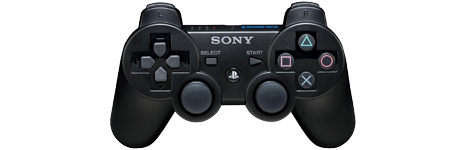 | DualShock 3 Controller | | [CLICK HERE] |
|  | DualShock 2 Controller | | [CLICK HERE] |
| 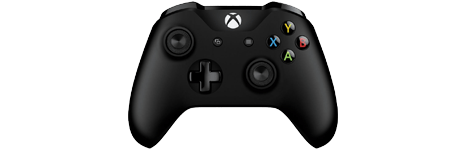 | Xbox One Controller | | [CLICK HERE] |
| 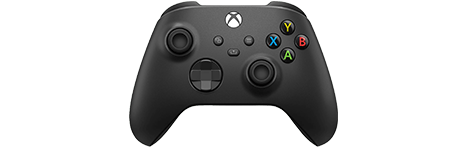 | Xbox Series Controller | | [CLICK HERE] |
|  | Xbox 360 Controller | | [CLICK HERE] |
 | 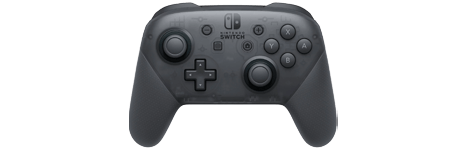 | Nintendo Switch Pro Controller | | [CLICK HERE] |
| 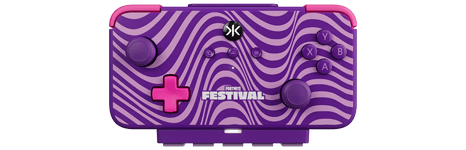 | Nintendo Switch CRKD NEO S Wave | | [CLICK HERE] |
|  | Unknown Controller | N/A | [CLICK HERE] |
Keyboards
Section titled “Keyboards”| Platform | Picture | Name | Compatibility | Set Up |
|---|---|---|---|---|
|  | MIDI Keyboard | | [CLICK HERE] |
| 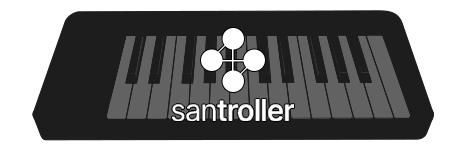 | Santroller Powered Keyboards | | [CLICK HERE] |
| | Rock Band MIDI Pro Adapter | | [CLICK HERE] |
| 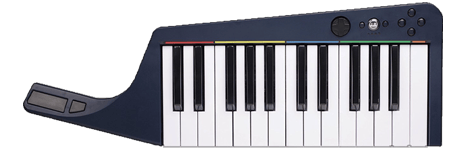 | Rock Band Wireless Keyboard | | [CLICK HERE] |
| | Rock Band Wireless Keyboard | | [CLICK HERE] |
| | Rock Band Wireless Keyboard | | [CLICK HERE] |
Pro Guitars
Section titled “Pro Guitars”| Platform | Picture | Name | Compatibility | Set Up |
|---|---|---|---|---|
|  | Fender Mustang PRO Guitar | | [CLICK HERE] |
| | Fender Mustang PRO Guitar | | [CLICK HERE] |
| | Fender Mustang PRO Guitar | | [CLICK HERE] |
| | Rock Band MIDI Pro Adapter | | [CLICK HERE] |
| 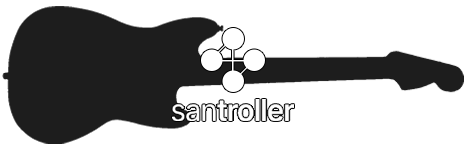 | Santroller Powered Pro Guitars | | [CLICK HERE] |
| 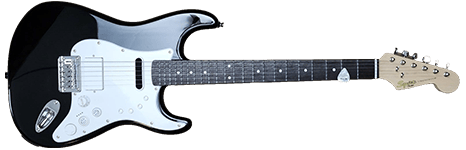 | Squier Stratocaster PRO Guitar | | [CLICK HERE] |
Using Profiles
Section titled “Using Profiles”After downloading the profile,
- Extract the .7z file.
- Drag the
input_configsfolder into theconfigsfolder where you have RPCS3 in.

- After that, you can select the profile in the
Padsmenu.
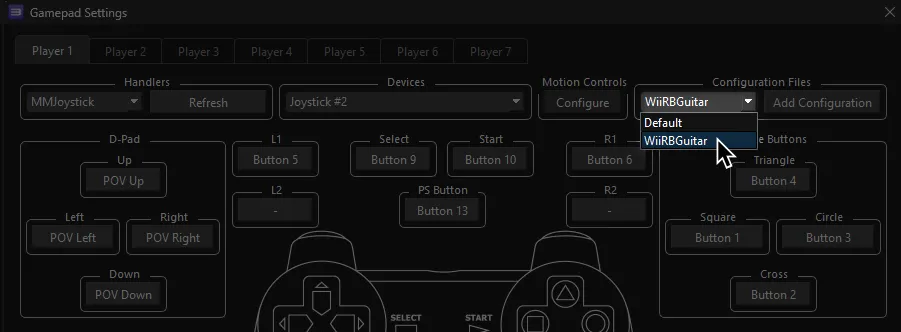
Most of the time, these controller profiles should work out of the box. If they don’t, try changing the controller listed in Devices, next to the Refresh button until it receives an input. You can edit this while the game is running.
Keep in mind that the profiles are formatted for single players. You will need to add all instruments needed.
Alternatively, you can combine multiple files if you know your way around text editors like Notepad++ or Sublime Text.
Select everything from line 2 to the end of line 86 in the Default.yml file of the instrument you want to add, then copy it.
Paste it into:
- Line 88 to 172 for Player 2
- Line 174 to 258 for Player 3
- Line 260 to 344 for Player 4
- Line 346 to 430 for Player 5
- Line 432 to 516 for Player 6
- Line 518 to 602 for Player 7
Contributing
Section titled “Contributing”Do you have a controller we don’t have documentation on? Want to help expand this list further? Contact us on [the MiloHax discord] or [open an issue]. The following information is needed:
- Instrument brand and model (Guitar Hero Les Paul)
- Adapter(s) used (RetroCultMods V3 Adapter)
- Platform for instrument (Nintendo Wii)
- Written bindings for every button (Green Fret = Cross)
- The bindings file
- (
RPCS3\config\input_configs\global\ProfileName.yml) if it’s with the global “Pads” menu - (
RPCS3\config\input_configs\BLUS30463\Default.yml) if it’s made in “Custom Gamepad Configuration”
- (
- A screenshot of the Gamepad Configuration