

RetroCultMods Kit Guitars

- This page is specifically for guitars using modded kits made by [RetroCultMods]! Check your receipt from either the [RetroCultMods’ own website] or [Etsy shop] to verify that you indeed have a guitar using a mod kit from RetroCultMods.
Before starting, be sure to [download the latest version of RCM Programming Tool].
Start up up RCM Programming Tool.
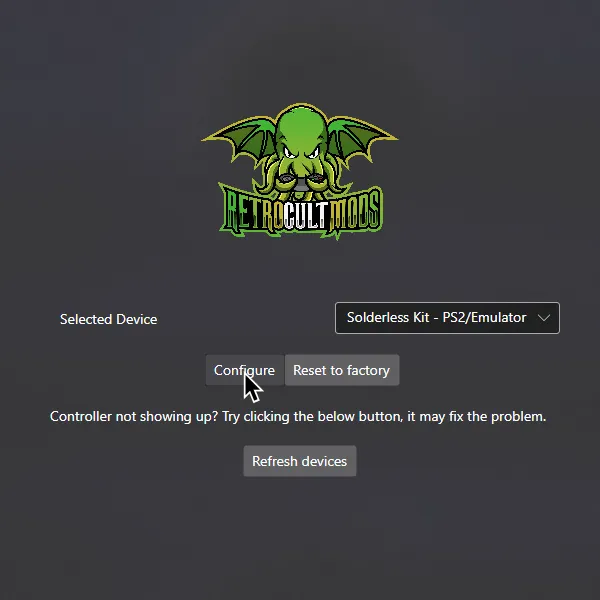
In the start screen, set your device to program to. In this example, it was set to Solderless Kit - PS2/Emulator.
After that, click on Configure and wait for the progress bar to finish.
In Controller Settings, change the following:
- Enable
Use USB Passthrough with RPCS3

It’s also suggested you calibrate your Whammy to have the best experience. Scroll down to the Whammy section and calibrate it.
MAKE SURE YOU CLICK ON Save Settings before closing the program or you will lose progress!

When you’re done, close RCM Programming Tool.
You can now launch Rock Band 3!
Research by [Lynxeption], [gonakil1ya], and [SquidBoy425 (Team Oceanman)].
Special thanks to [@amphobius] for additional pictures.