

Unknown Guitar Controller
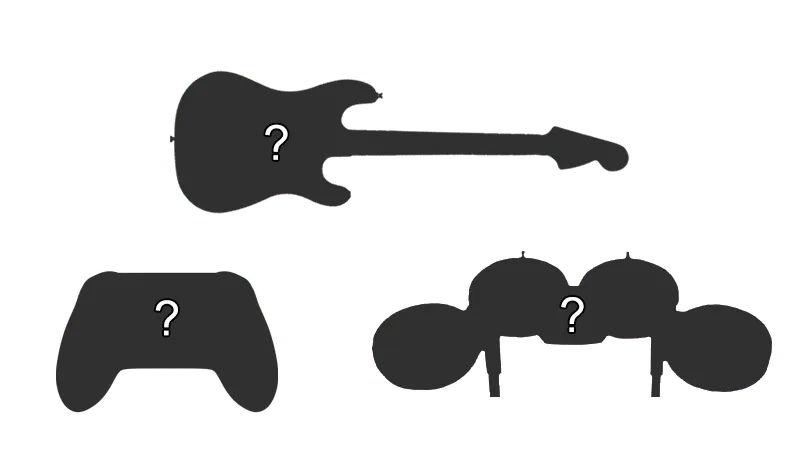
- This is for people who have guitars that aren’t listed. You will have to play around with Handlers and Device Class/Device Subtype until it works.
How do I map my guitar?
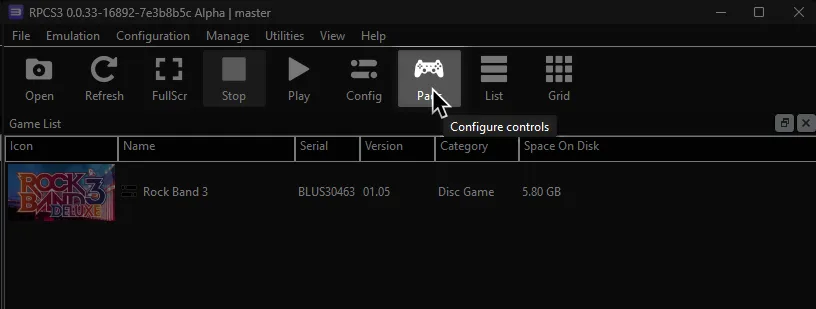
Click on the Pads icon at the top of RPCS3.
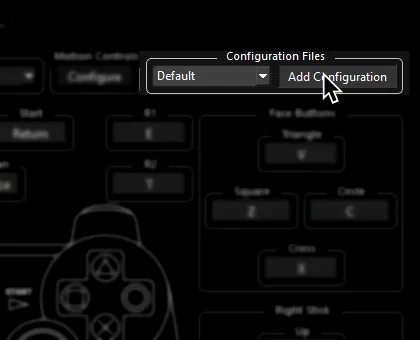
It’s suggested to create a new configuration by clicking Add Configuration at the top right of the Pads window.
This is so you can change configuration profiles in case you want to play other games.
Follow the instructions and/or match the assignments below.
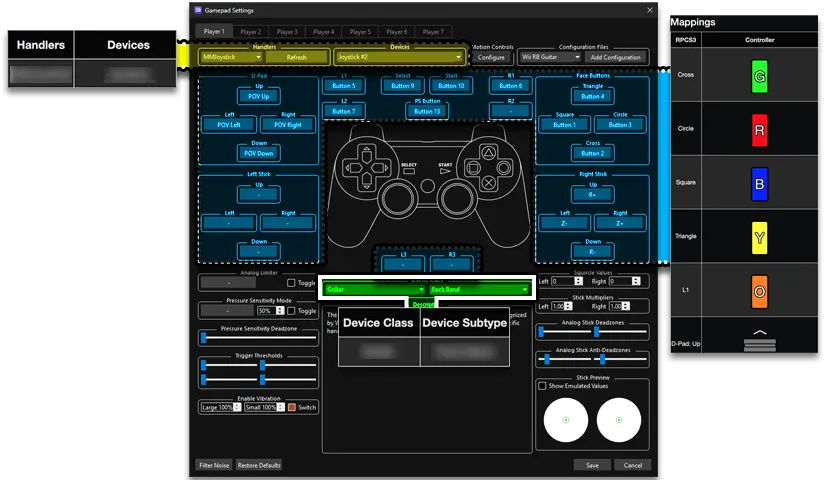
Pad Information
Section titled “Pad Information”| Handlers | Devices |
|---|---|
| Unknown | Unknown |
| Device Class | Device Subtype |
|---|---|
| Guitar | Unknown |
Mapping:
Section titled “Mapping:”Some guitar controllers (most notably Guitar Hero controllers) misbehave and refuse to map sometimes. If you try mapping a button and get U+, click Filter Noise at the bottom left of the controller configuration window then try mapping.
| RPCS3 | PS/Wii Rock Band | Xbox Rock Band | Guitar Hero |
|---|---|---|---|
| Cross | 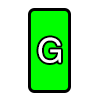 | | |
| Circle | 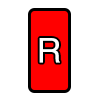 | | |
| Square | 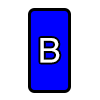 | 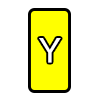 | |
| Triangle | | | |
| L1 | 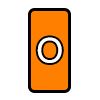 | | |
| D-Pad: Up | 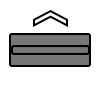 | | |
| D-Pad: Down |  | | |
| D-Pad: Left | 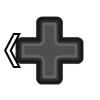 | | |
| D-Pad: Right | 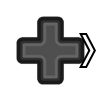 | | |
| Right Stick: Left/Right | 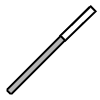 | | |
| Right Stick: Up/Down | 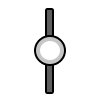 | ||
| L2 | | ||
| L2 | 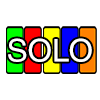 | ||
| L3 | | ||
| R1 |  | | Does not work |