

Xbox 360 Guitar Hero Guitars

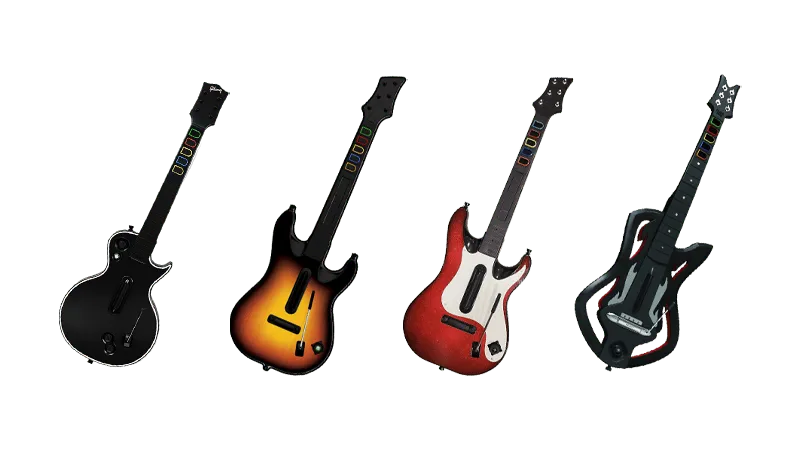
- This instrument requires an Xbox 360 Wireless Gaming Receiver for Windows to connect to your computer.
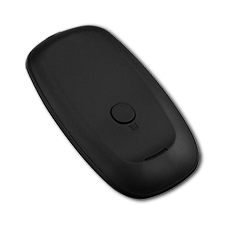 Need one?
- [Buy one from RetroCultMods (RCM Shop)]
- [Buy one from Roll Limitless]
- [Buy one from Amazon]
- Please note that any generic Xbox 360 Wireless Gaming Receiver should work fine!
- Looking to mod your guitar?
- You can get the [RetroCultMods Revival Kit].
- You can get the [PhunkyCustoms Solderless RGB GH Controller Mod Kit].
How do I map my guitar?
Click on the Pads icon at the top of RPCS3.
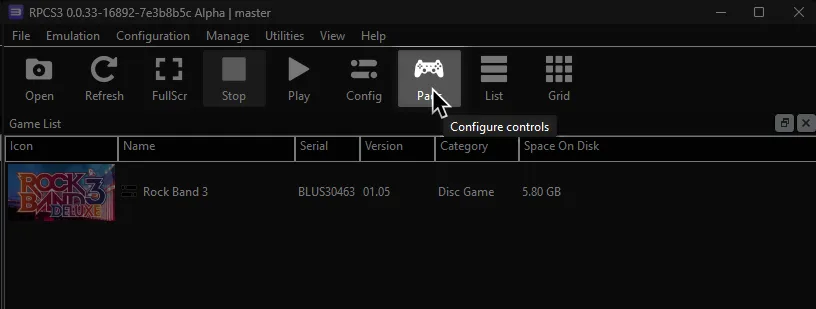
It’s suggested to create a new configuration by clicking Add Configuration at the top right of the Pads window.
This is so you can change configuration profiles in case you want to play other games.
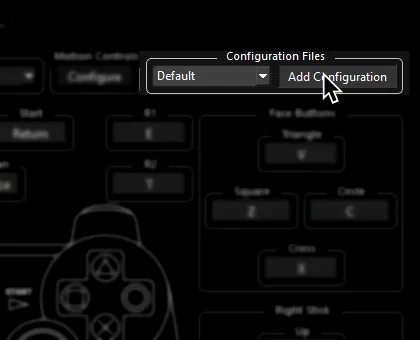
Follow the instructions and/or match the assignments below.
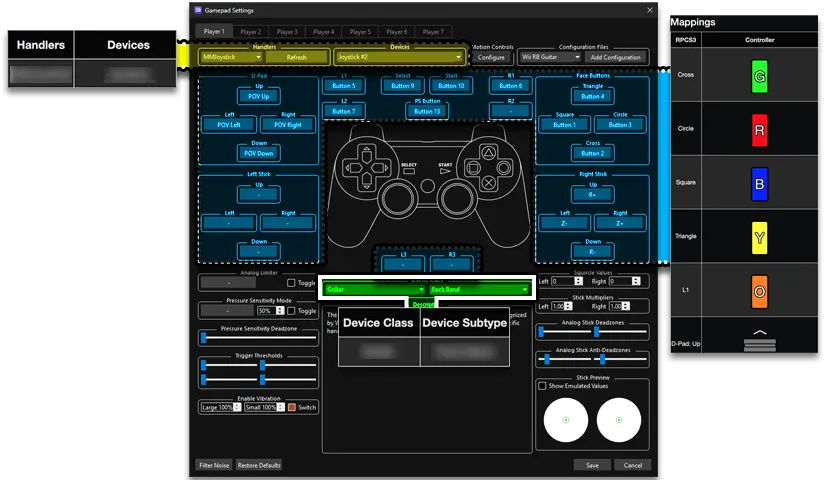
Pad Information
Section titled “Pad Information”| Handlers | Devices |
|---|---|
| XInput | XInput Pad |
| Device Class | Device Subtype |
|---|---|
| Guitar | Guitar Hero |
Mapping
Section titled “Mapping”By default, XInput has most things bound correctly. You only need to adjust the following:
- UNMAP THE FOLLOWING or guitar solos will auto-strum!
Use Right Click to unmap a button.
| RPCS3 | XInput | Guitar |
|---|---|---|
| L2 | 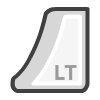 | Solo Modifier |
- Change the following or blue and yellow frets will be inverted!
| RPCS3 | XInput | Guitar |
|---|---|---|
| Square |  | 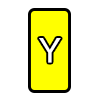 |
| Triangle |  | 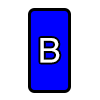 |
Guitar Hero controllers tend to misbehave and refuse to map sometimes. If you try mapping a button and always get U+ or something similar, click Filter Noise at the bottom left of the controller configuration window then try mapping.
Profile
Section titled “Profile”How do I use profiles?
After downloading the profile,
- Extract the .7z file.
- Drag the
input_configsfolder into theconfigsfolder where you have RPCS3 in.

- After that, you can select the profile in the
Padsmenu.
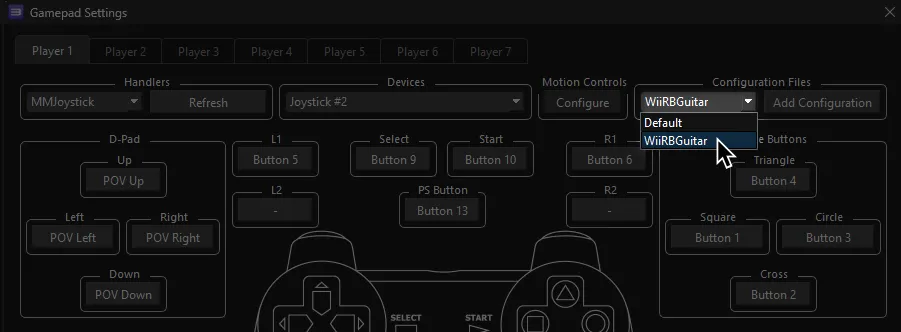
Most of the time, these controller profiles should work out of the box. If they don’t, try changing the controller listed in Devices, next to the Refresh button until it receives an input. You can edit this while the game is running.
Advanced Mapping
- Tilt can be set up but it is very complicated and will take up the Select button. You will have have to mess with “Filter Noise” until it catches the tilt accelerometer. It’s suggested to not bother with this and not use tilt.
- To bind multiple buttons to one RPCS3 button, hold Shift then click on the RPCS3 button you want to assign multiple buttons to.
| RPCS3 | Guitar |
|---|---|
| Cross | 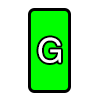 |
| Circle |  |
| Square | |
| Triangle | |
| L1 |  |
| D-Pad: Up | 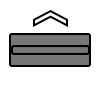 |
| D-Pad: Down |  |
| D-Pad: Left |  |
| D-Pad: Right |  |
| Right Stick: Left/Right |  |
| Select (Not recommended) |  |
| Start |  |
| Select |  |
| PS Button |  |
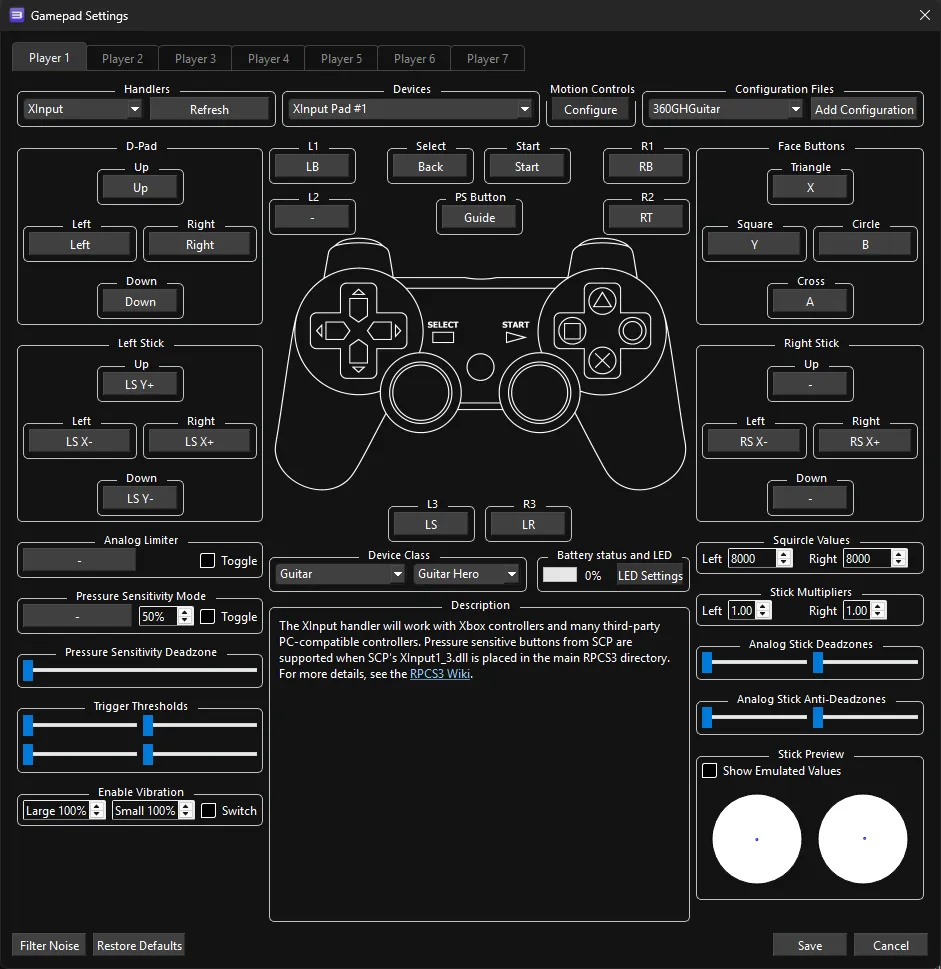
Mapped by [gonakil1ya]