

Teleporting Items
Have you ever been distracted by your character’s guitar, hair, or hat’s sudden attempt at traveling to space?

You can eliminate these teleportation bugs by installing a community made patch.
-
Download the [
rb3_ps3_guitar_glitch_fix.7zarchive].
-
Extract the
rb3_ps3_guitar_glitch_fix.7zarchive.
Move this window to the right and leave it open.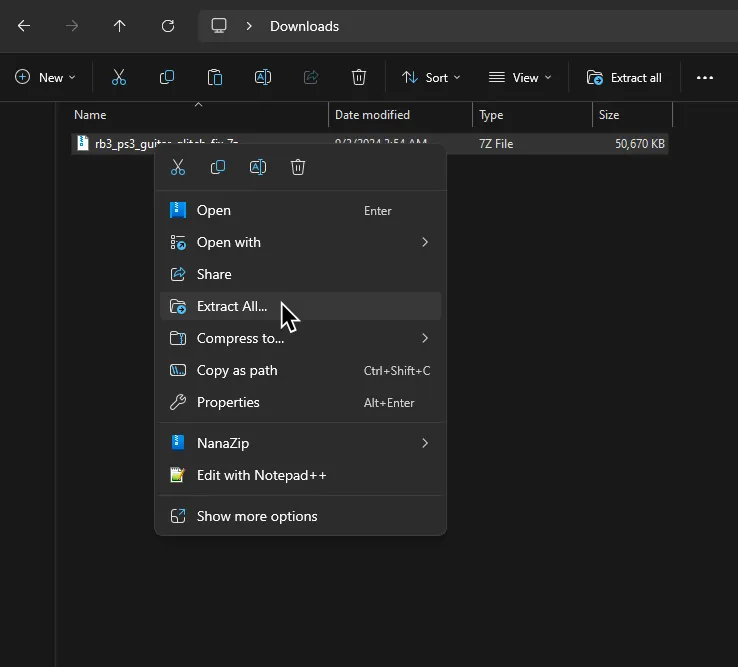
-
Go to where your game’s disc folder is located.
The quickest way to get there is to right click Rock Band 3 in RPCS3.
and go toOpen Folder > Open Disc Game Folder.
Move this window to the left.
-
Drag the
PS3_GAMEfolder from therb3_ps3_guitar_glitch_fixfolder window on the right into the folder that contains your copy of Rock Band 3.
ClickReplace the file in the destinationwhen prompted.
That’s it!